

Threads
A thread is one conversation with one Capy agent about one piece of work, along with its machines, subagents, and pull requests. The agent keeps working in the cloud after you close your laptop, and the thread wakes itself when CI finishes, a review lands, or a pull request merges.
Send and steer messages
A message to a busy agent goes out in one of three modes:
| Mode | Key | What happens |
|---|---|---|
| Steer (default) | Enter | Reaches the agent at its next step without stopping it. |
| Interrupt | Cmd/Ctrl+Enter | Stops the current generation, and the agent reads your message next. |
| Queue | Option/Alt+Enter | Waits until the current work finishes. |
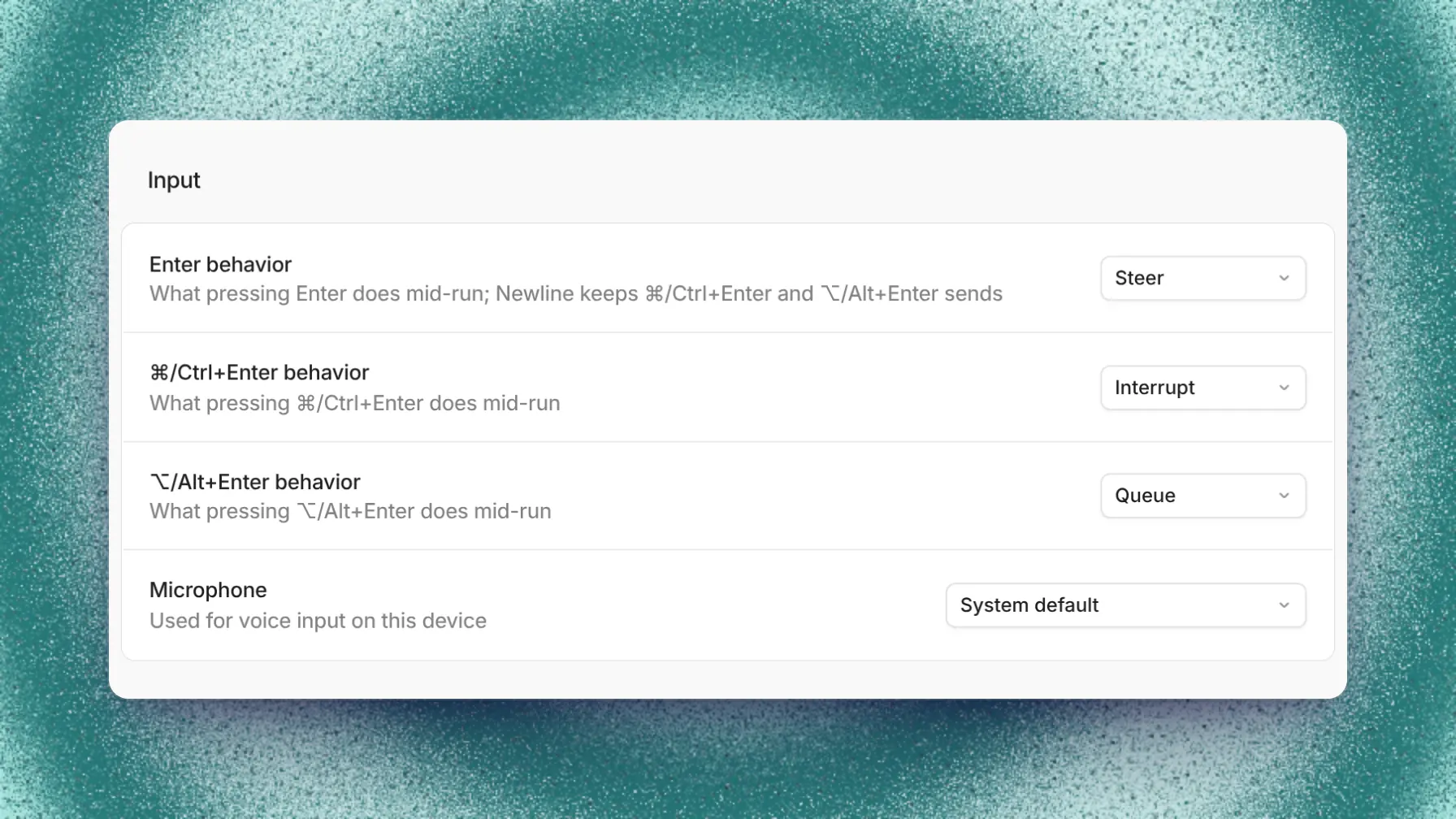
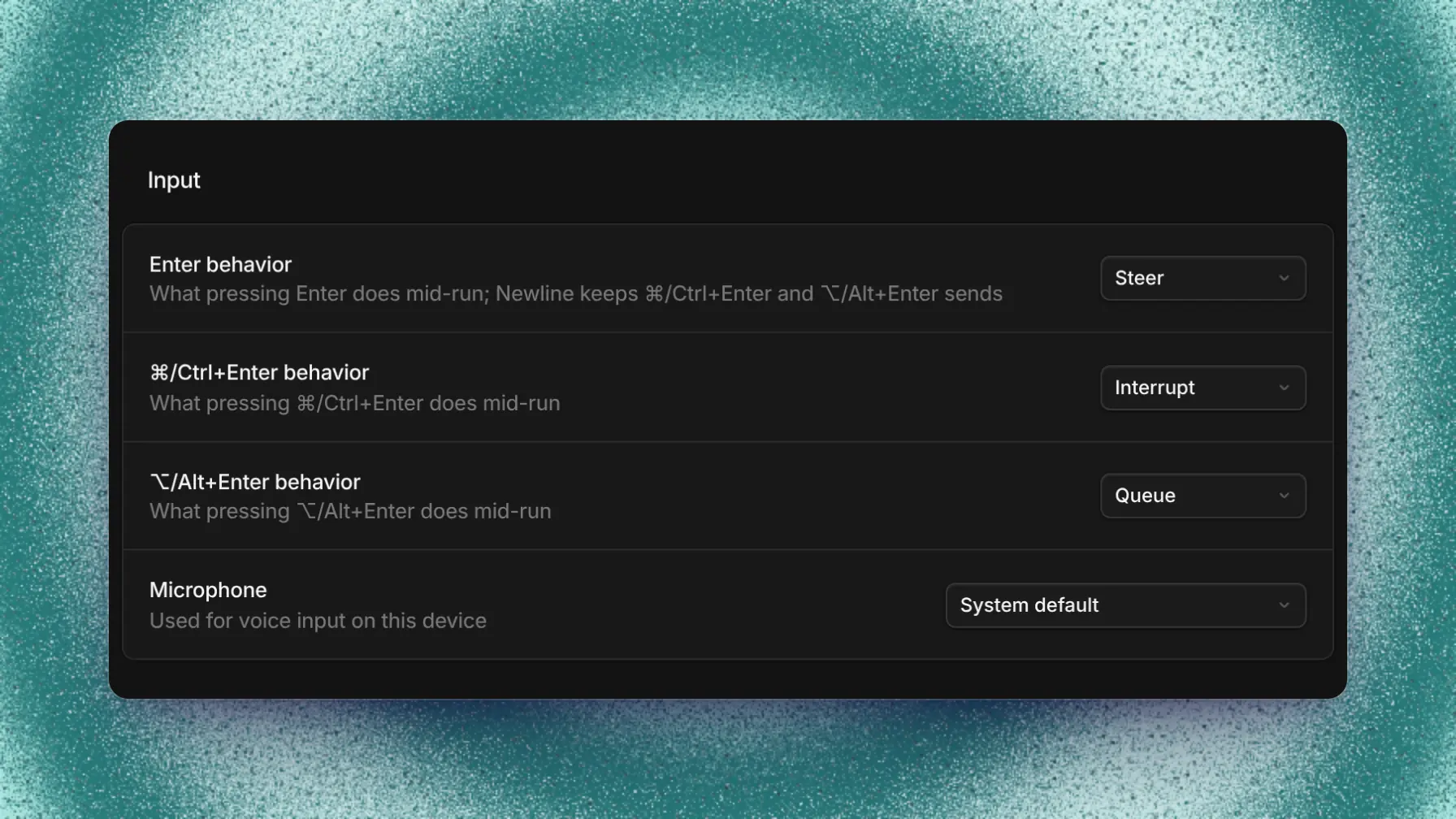
Input settings remap the keys. At rest, every mode delivers right away. Stop run stops the agent without sending a message.
A steered or queued message waits above the composer. You can send it now, discard it, or return its text and attachments to the composer to edit it.
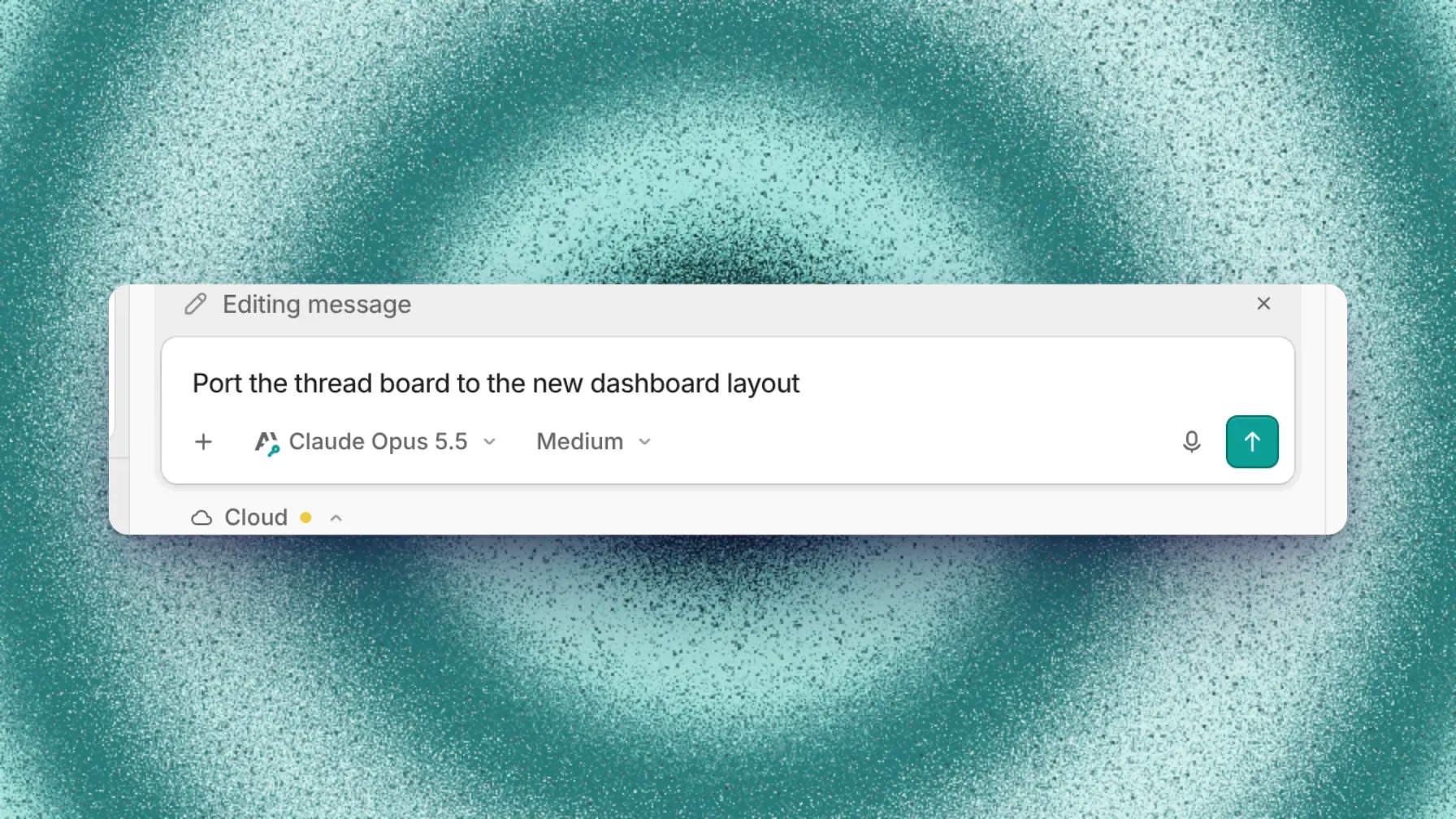
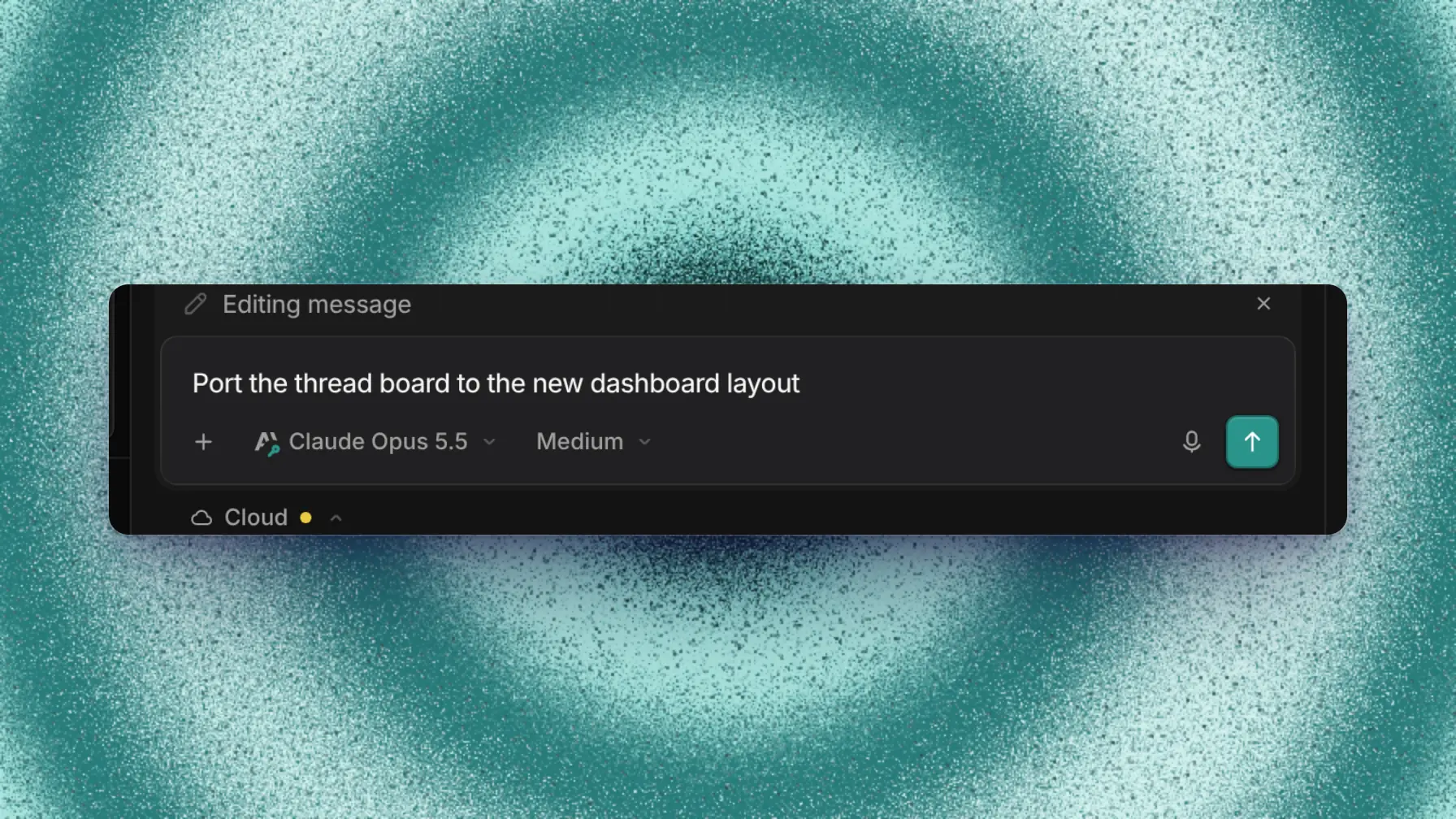
Edit message lets Capy continue from a changed message while a version switcher keeps the original. Escape cancels the edit.
The microphone button dictates at your cursor while you keep typing. Accept keeps the transcript and discard drops it. A recording accepts itself at 10 minutes, and Undo removes a whole dictation.
Images and files you attach land on the agent's machine.
Read a thread's status
Capy sets the status from what the agent and its subagents are doing. You can't set it yourself.
| Status | What you see | Meaning |
|---|---|---|
| Working | An animated dot grid | The agent or a subagent is working. |
| Waiting | A slower dot grid | The thread waits on CI, a subagent, a timer, or a long command, and wakes when it finishes. |
| Failed | A red dot grid | The last turn ended on an error. The error card stays, and the status clears when the next turn starts. |
| Idle | Time since the last activity | At rest until someone messages it. |
Needs you
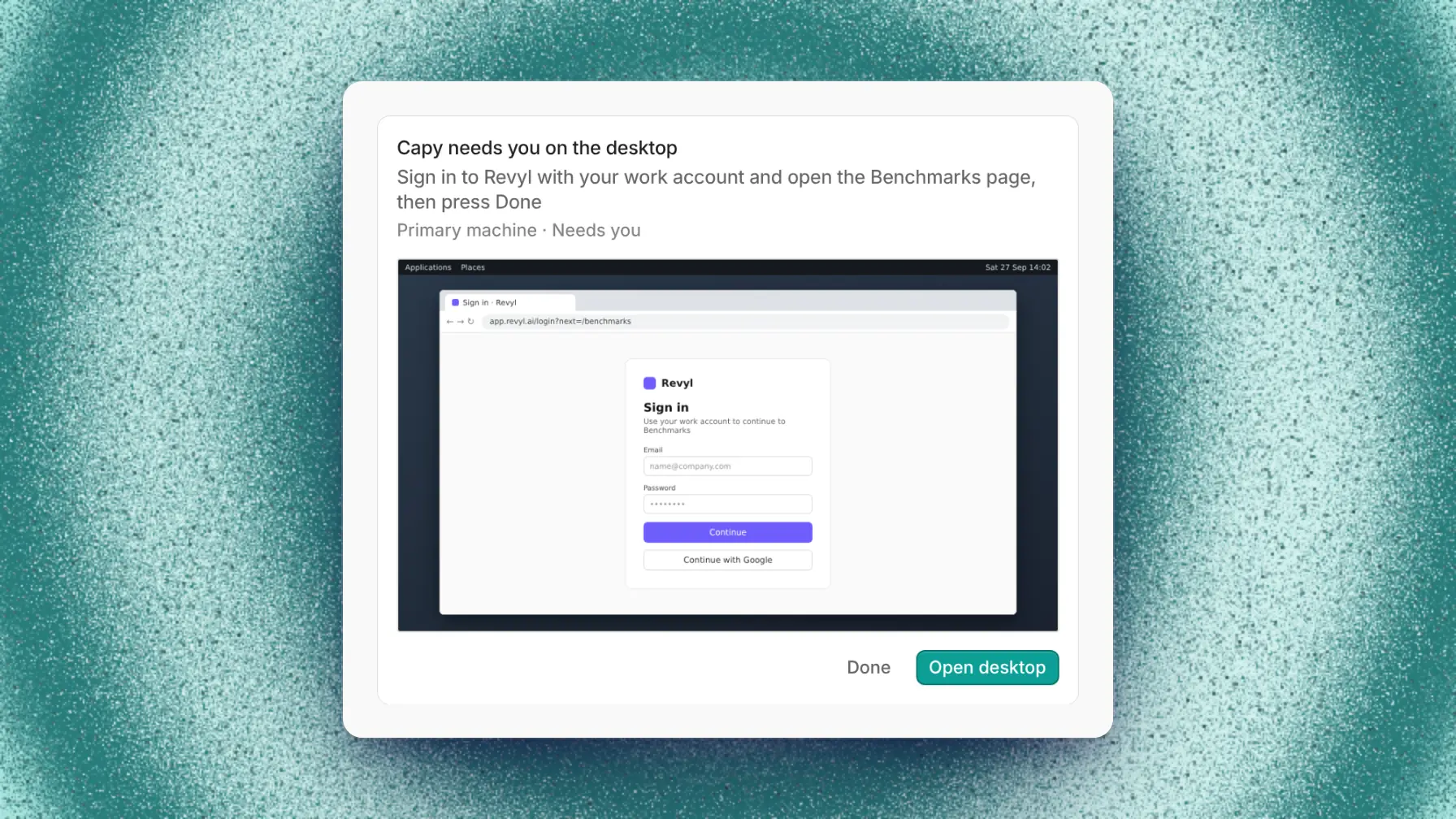
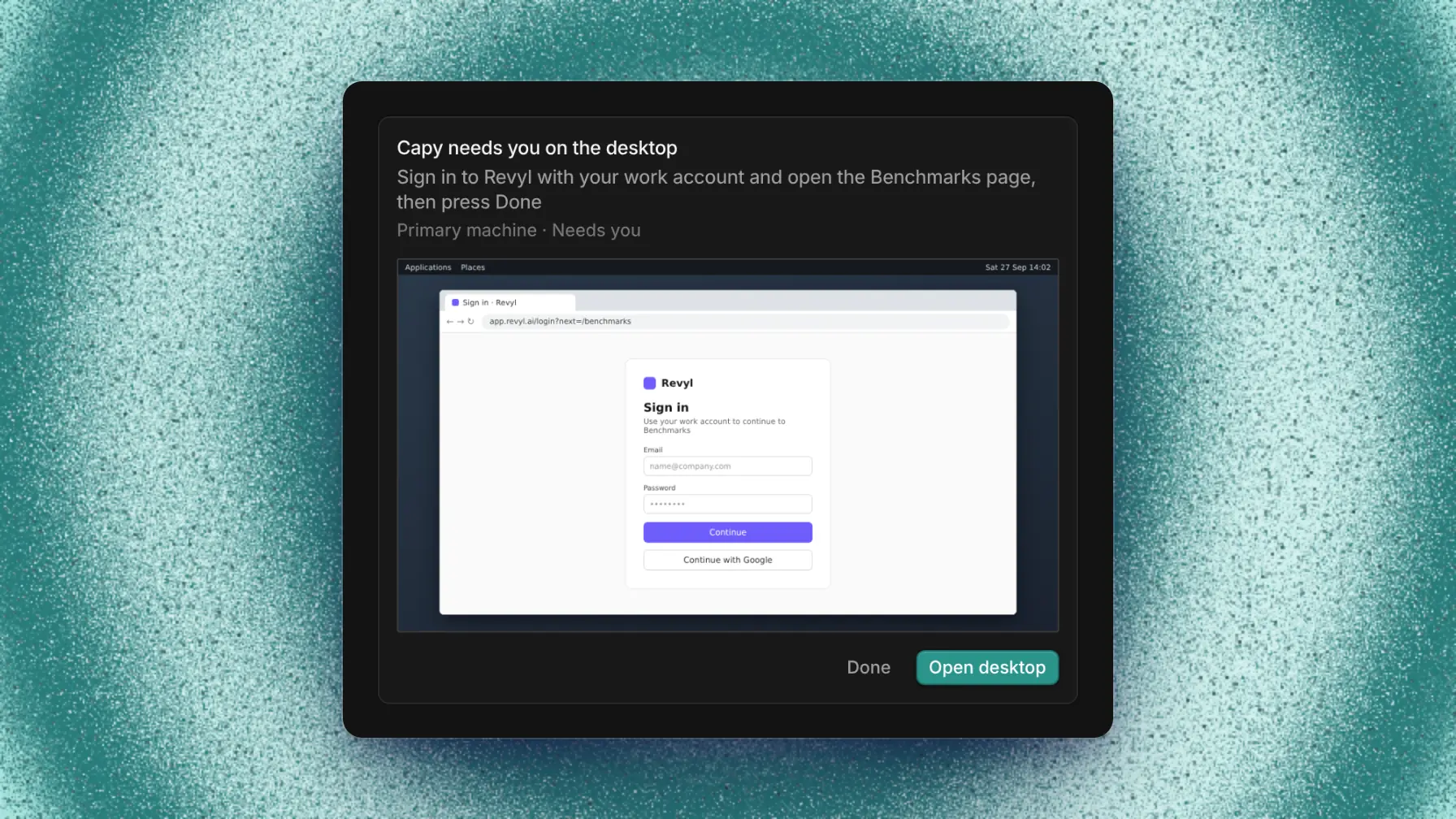
Needs you is a flag, separate from the status. Capy or a teammate is waiting on you for an answer, a decision, environment variables, an MCP server approval, a hand on the desktop, or more credits. The message shows a needs you label, and the line under the chat reads "Waiting on you to answer".
Because it's a separate flag, a thread can need you while it waits on CI. Replying or completing the request clears it; a credits request clears when credits arrive. Notifications controls alerts for requests and failures.
Read a sidebar row
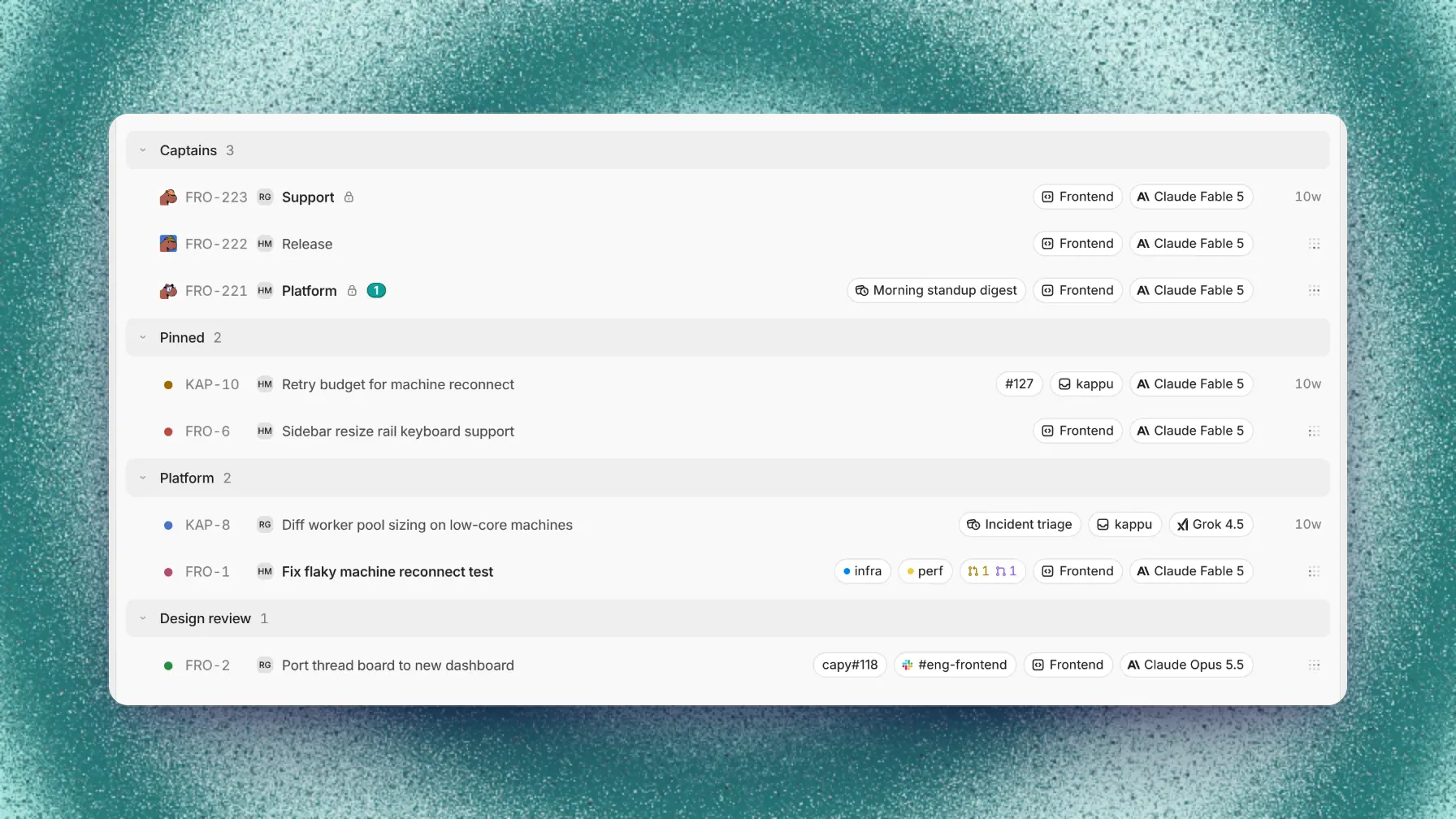
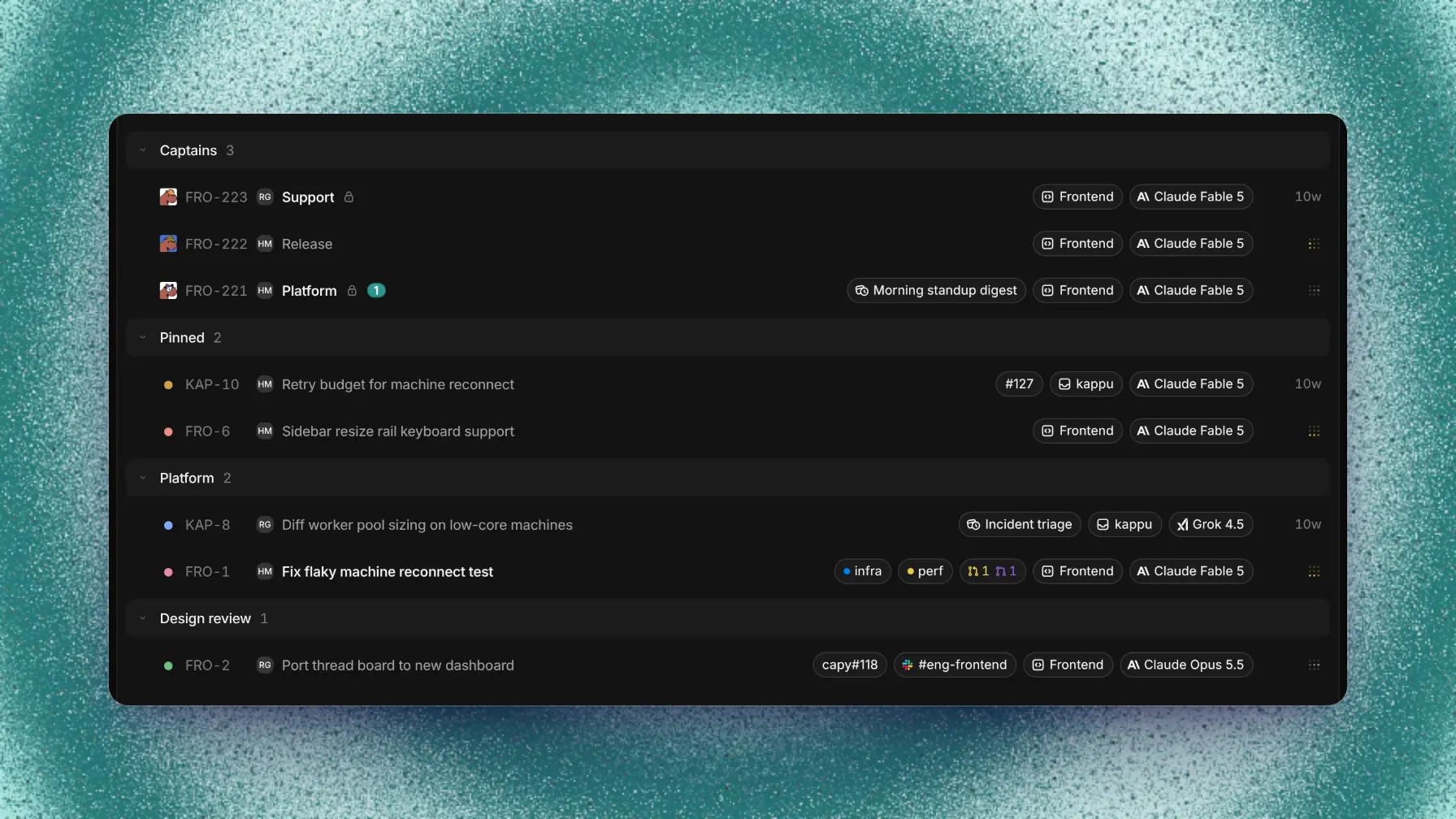
In the sidebar, a bold title means unread activity, and opening the thread marks it read. A number badge counts unread mentions of you. The right side shows the status icon while the thread is working, waiting, or failed, and otherwise the time since its last activity. On an idle thread, the second line starts with Checks while CI runs, PR failing, or PR ready.
Organize the sidebar
The sidebar lists Captains, then Pinned and your folders, then Threads grouped by project. Threads shows threads you started, wrote in, or were mentioned in. It leaves out automation runs, archived threads, and threads you filed in a folder.
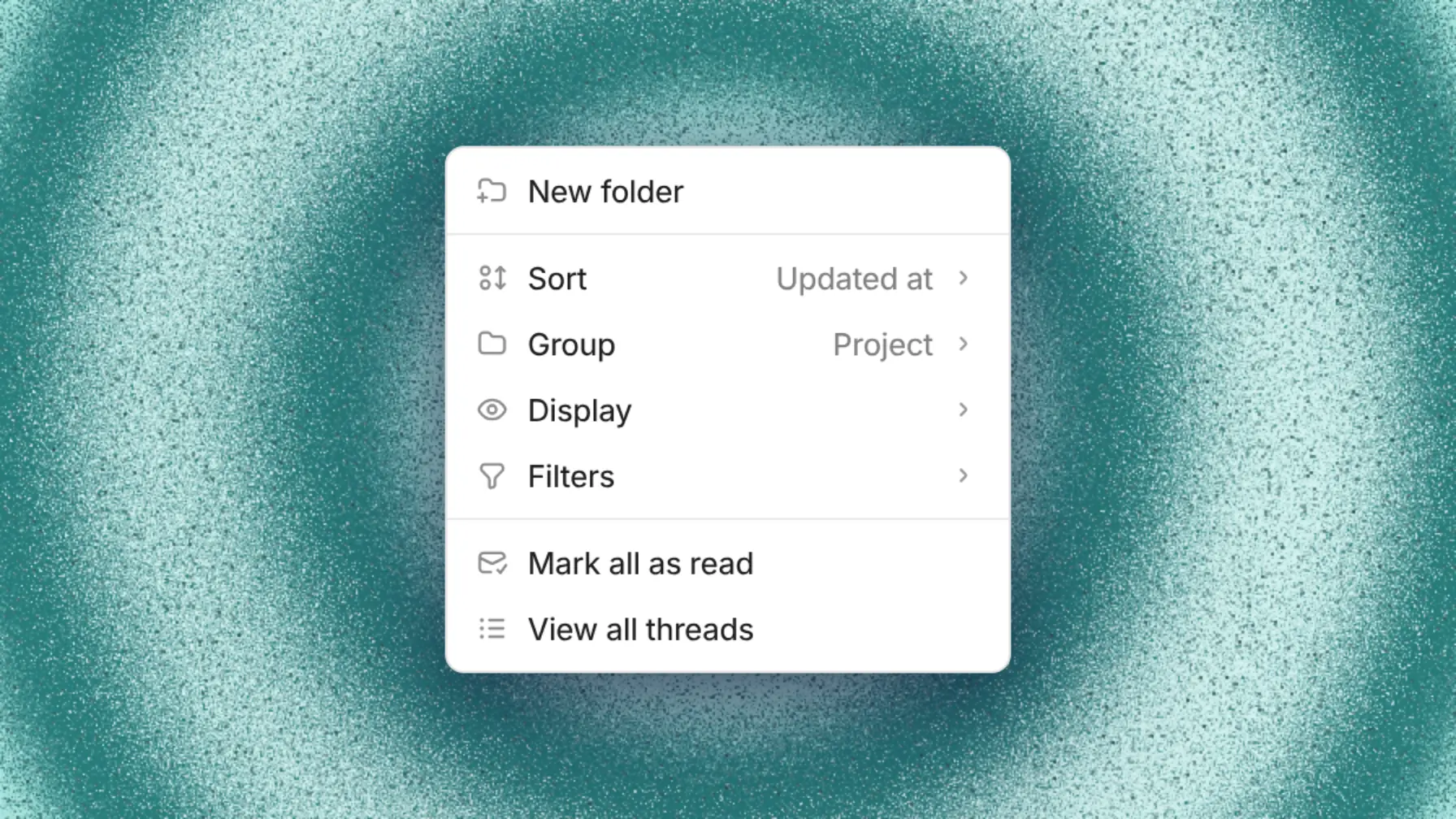
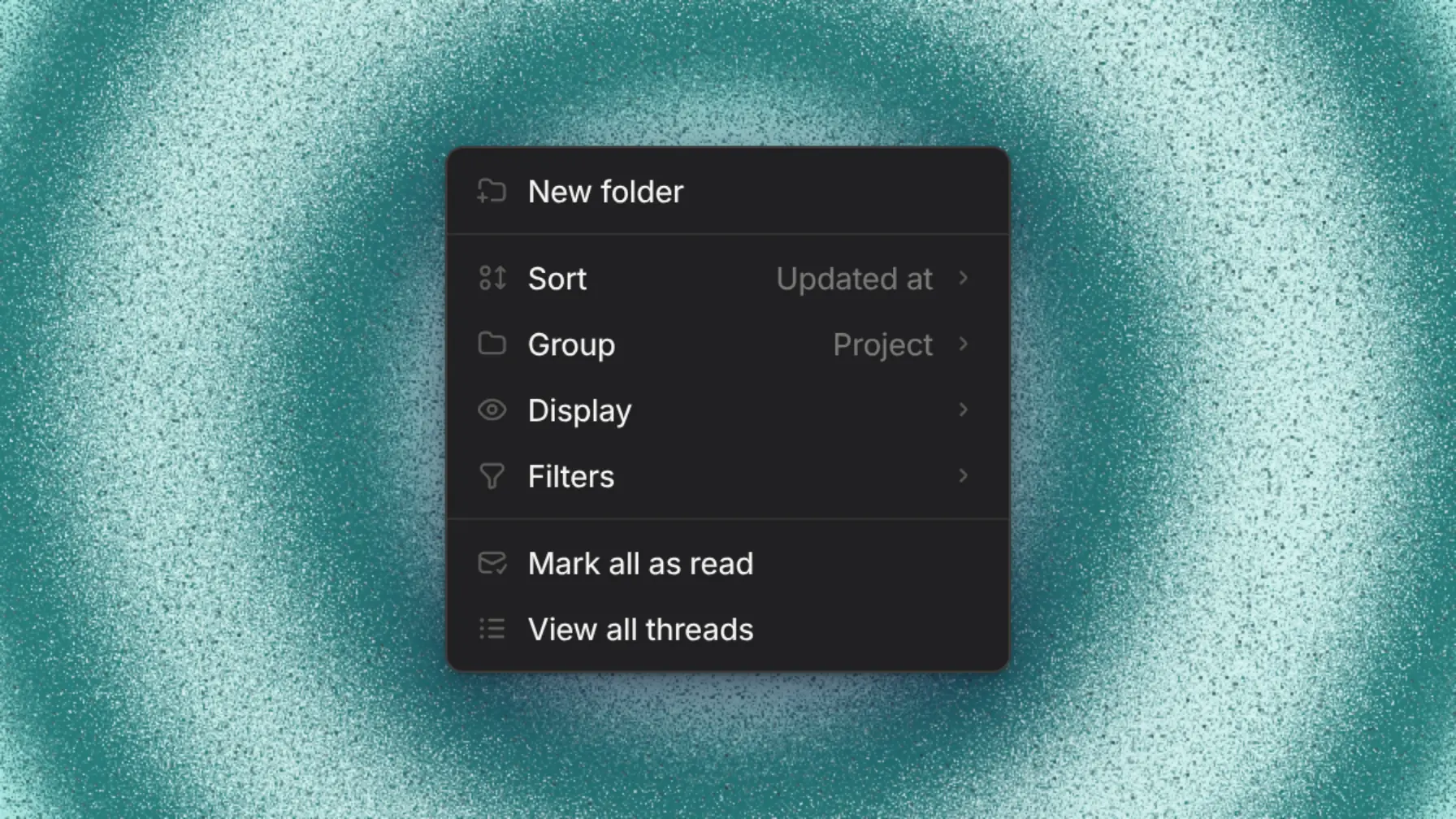
The thread list menu sorts, groups, and filters your sidebar. Detailed rows controls the second line. Everyone includes threads you haven't joined, and Automation includes automation runs.
Hold Option (Alt on Windows and Linux) and press 1 to 9 to jump to one of the first nine threads, counted from the top. Cmd/Ctrl+Option/Alt+Up and Down step through the list.
Customize sidebar in General settings chooses which pages appear above the list.
File threads in folders
Drag a thread onto a folder, or use Move to in its right-click menu. A private folder is yours alone, and everyone in your organization can edit a shared folder. A thread can sit in several folders and still show up in All threads and search.
Pinned is your private folder that always shows first. Unpin a thread to remove it, and pin it again to move it to the front.
Folders and projects
A folder only organizes your list and can hold threads from several projects. A project decides the repositories, setup, and environment variables a thread's machine gets. The + on a folder's heading starts a thread filed in that folder, and the thread runs in the project picked in the composer.
Tag threads
Tags are colored labels shared across your organization, up to 20 per thread. Use tags to filter lists and folders to place threads.
Move between projects
A thread stays in the project it started in. Start a new thread in the right project and mention the old one with @ so Capy can read it.
Archive a thread
Archive a thread to mark it done. Archiving removes it from your lists, keeps its folders and tags, and doesn't close its pull requests.
An archived thread doesn't run. CI results and other events arrive as context but don't wake it. A message unarchives and wakes it with that context. Unarchive restores it without a run.
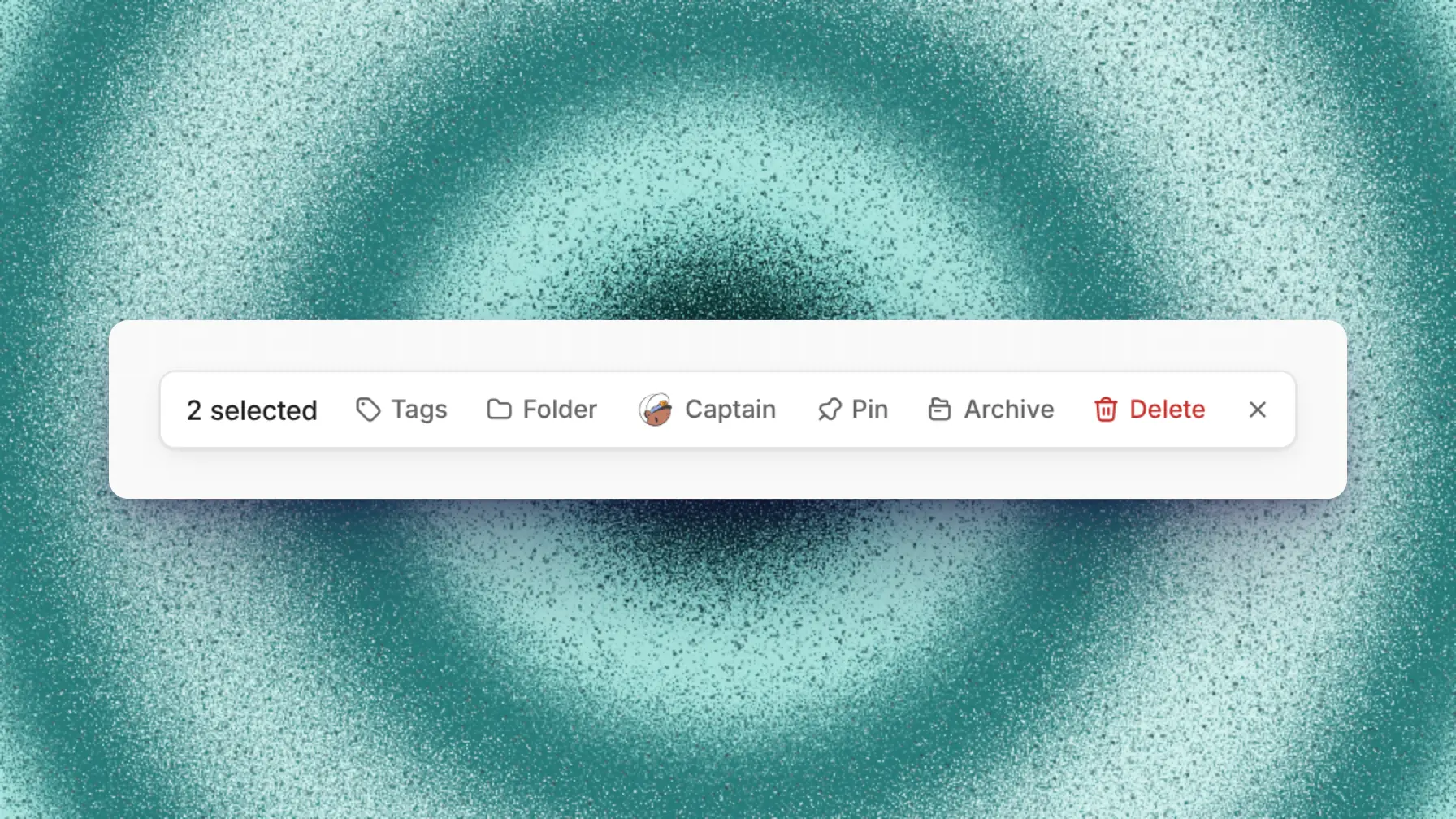
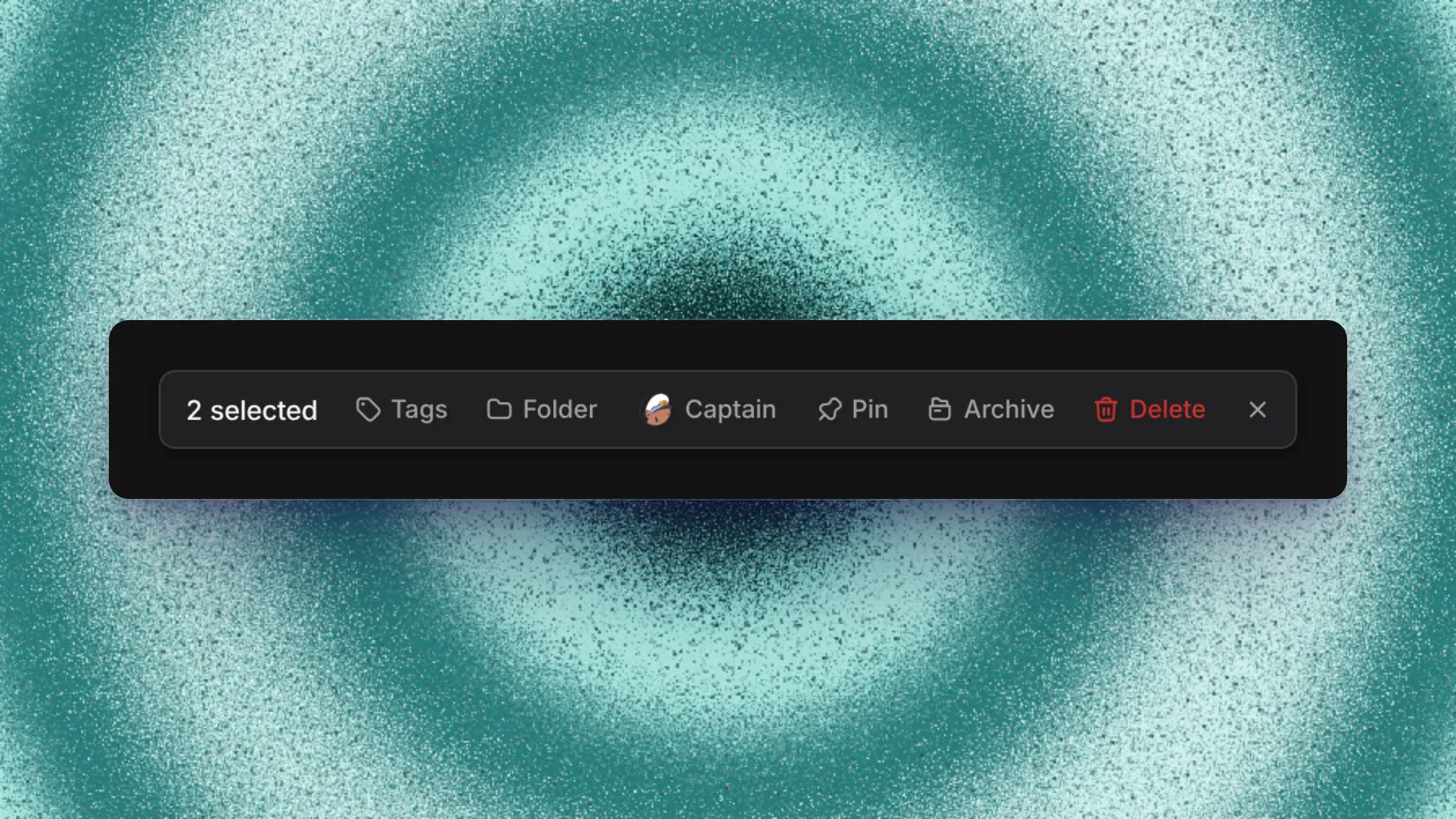
Select threads to archive, tag, file, pin, or delete them together. Shift-click selects a range, and Select all selects a section.
Archiving shows Undo for a few seconds. You can also ask Capy in any thread, for example "archive my idle threads older than two weeks".
Find a thread
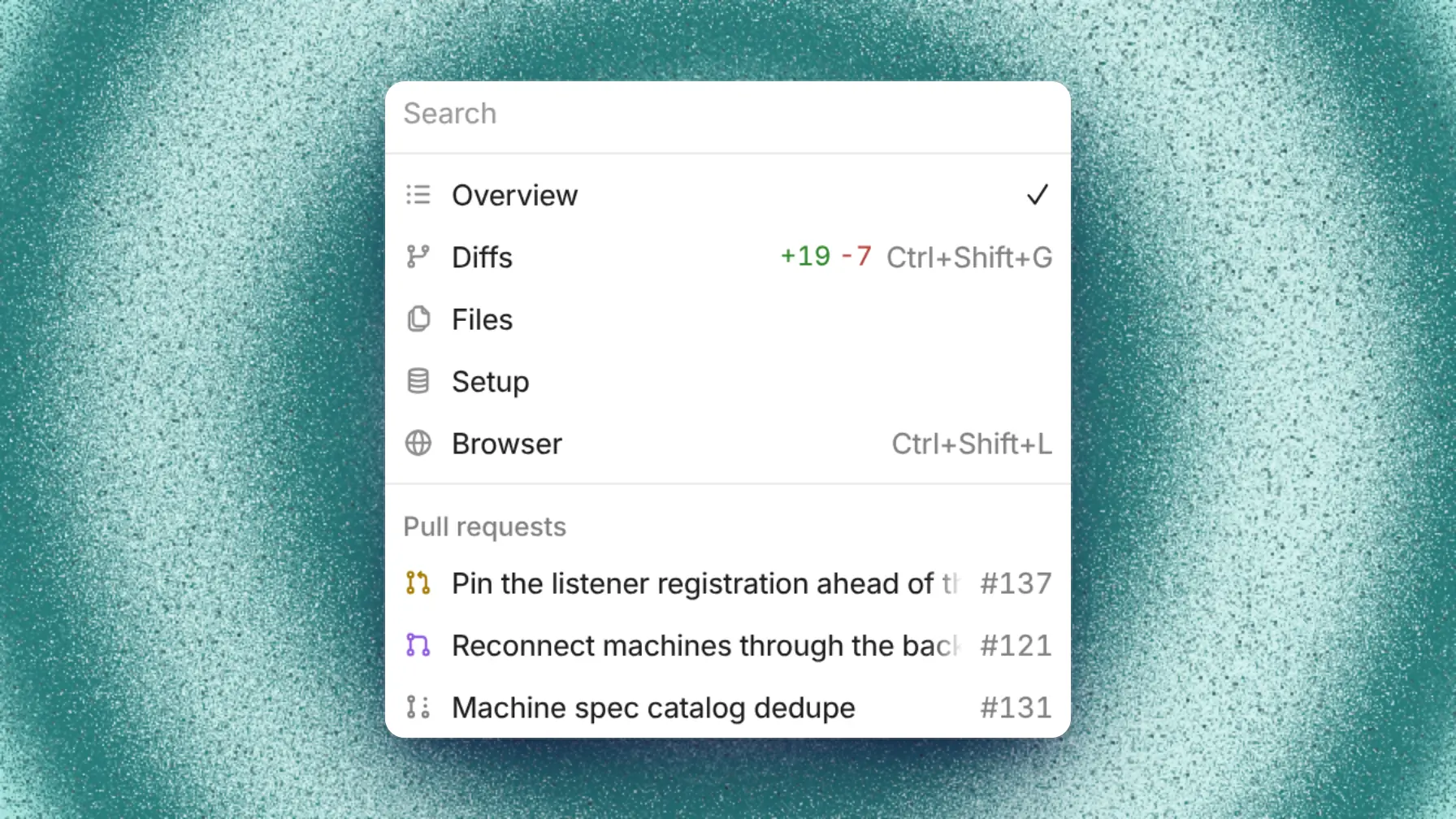
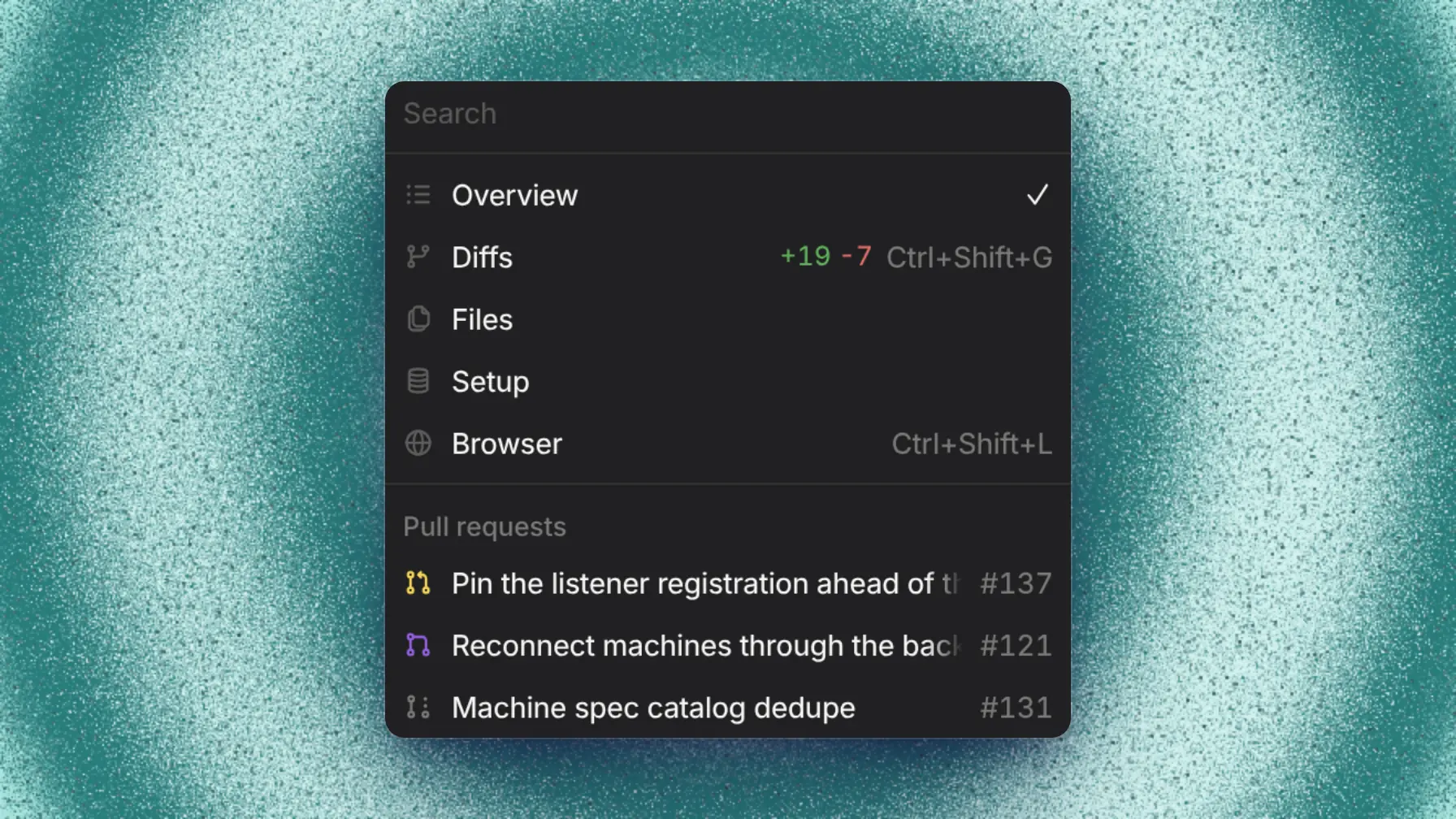
Press Cmd+K to search titles, thread codes, subagent titles, and messages from you and the agent. Cmd+K also finds pull requests, automations, and settings pages. Press Tab to turn your text into a new thread.
To find the thread behind a pull request, search for its number or branch name in Cmd+K. Open the pull request and follow its Thread field.
In a long thread, ticks at the chat's left edge mark each message a person sent. Hover a tick to preview the message and its answer, and click it to jump there.
If a thread is missing from the sidebar, check these places:
- An archived thread is under the Archived tab on the threads page.
- A filed thread is in its folder. Expand the folder if it's collapsed.
- A thread you haven't joined shows when you set Participants to Everyone.
- An automation run shows when you check Automation under Origin.
The threads page
Threads lists your threads, all threads you can see, and archived threads. Save filters as a named view of your own.
Thread codes
Each thread has a code made of the project's code and the thread's number, like HOME-14. Type a code into Cmd+K to open the thread, even when it's archived. To change a project's code, edit Thread code in Settings → Projects & setup. See Projects.
View files
Open a file from the Files tab, an attachment, or a link to see it in the viewer:
| File type | Shows as |
|---|---|
Markdown (.md, .mdx), including Mermaid diagrams | Rendered |
CSV, TSV, and spreadsheets (.xlsx, .xlsm, .ods) | A table or sheet |
| HTML | A sandboxed page |
| Images (PNG, JPEG, GIF, WebP, AVIF, BMP, ICO, SVG) | The image, with pan and zoom |
| The document | |
| Video (MP4, WebM, MOV, M4V) and audio (MP3, WAV, OGG, M4A, FLAC) | A player |
| 3D models and CAD (STL, OBJ, glTF/GLB, PLY, 3MF, FBX, DAE, STEP, IGES, BREP) and G-code | An interactive 3D view |
| Other text | Source with syntax highlighting |
For Markdown, CSV, HTML, SVG, and model files, the viewer's header switches to Source.
Open a terminal or browser
The thread's + menu opens tools on its machine:
- New shell (Ctrl+Shift+`) opens a terminal on the thread's machine and wakes it if it's asleep.
- Browser (Cmd/Ctrl+Shift+L) opens the in-app browser.
- Desktop shows a cloud machine's screen.
- Diffs, Files, and the thread's pull requests and subagents open as tabs.
Customize titles
Capy titles each thread from your first message, in 50 characters or fewer. Until then, it shows the first 60 characters of that message's first line. Rename fixes a title for a thread you started. Regenerate title names it from the conversation and turns auto-titling back on.
In Settings → Capy → Thread titles, the You tab covers your threads and admins use the Org tab for everyone's:
- Title instructions tell Capy how to name threads, for example "Use the Linear issue ID if there is one". Yours apply on top of the organization's.
- Regenerate the title when renames a thread later: Never, A pull request opens, Capy finishes the first message, or Either happens. The organization default is Never.
These settings don't rename existing threads right away.
Keyboard shortcuts
Settings → Shortcuts lists every shortcut, and you can change any of them there. The web and desktop apps share shortcuts, and the desktop app adds tab shortcuts, like Cmd/Ctrl+T.
| Shortcut | Action |
|---|---|
| Cmd/Ctrl+K | Open the command menu |
| Cmd/Ctrl+Shift+O | New thread |
| Cmd/Ctrl+B | Toggle the sidebar |
| Cmd/Ctrl+Shift+B | Toggle the right pane |
| Cmd/Ctrl+Shift+G | Open diffs |
| Cmd/Ctrl+, | Open settings |
Settings map
Settings has a search box at the top of its sidebar.
| Setting | Where |
|---|---|
| Captains | Settings → Experiments |
| Projects, repositories, setup, environment variables | Settings → Projects & setup |
| Open Capy links in the desktop app | Settings → General (in a browser on a Mac) |
| Theme and colors | Settings → Appearance |
| Slack aside prefix (messages Capy ignores) | Settings → Integrations → Slack → Aside prefix |
Good to know
- Folders don't nest.
- Search doesn't cover tool output, and Cmd+K doesn't match a pasted pull request URL. Type the number instead.
- The viewer shows the first 2 MB of a larger text file.
- The message ticks need free space at the chat's left edge, and they don't show on phones.