

Ship with Capy
Agent swarms for your engineering team. Orchestrate thousands of agents on any model, across the cloud and your machines.
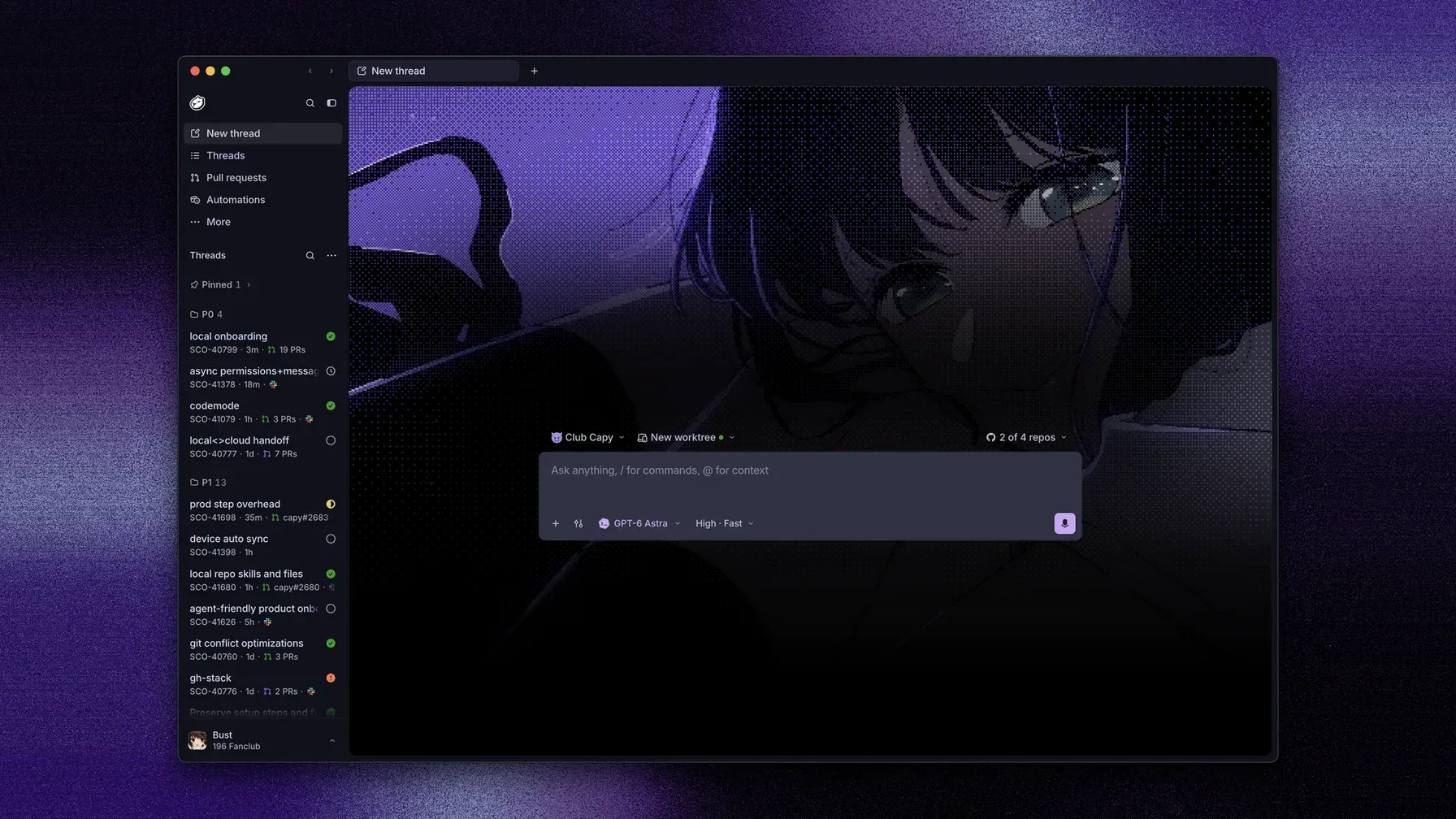
Start a thread from anywhere
What Capy handles
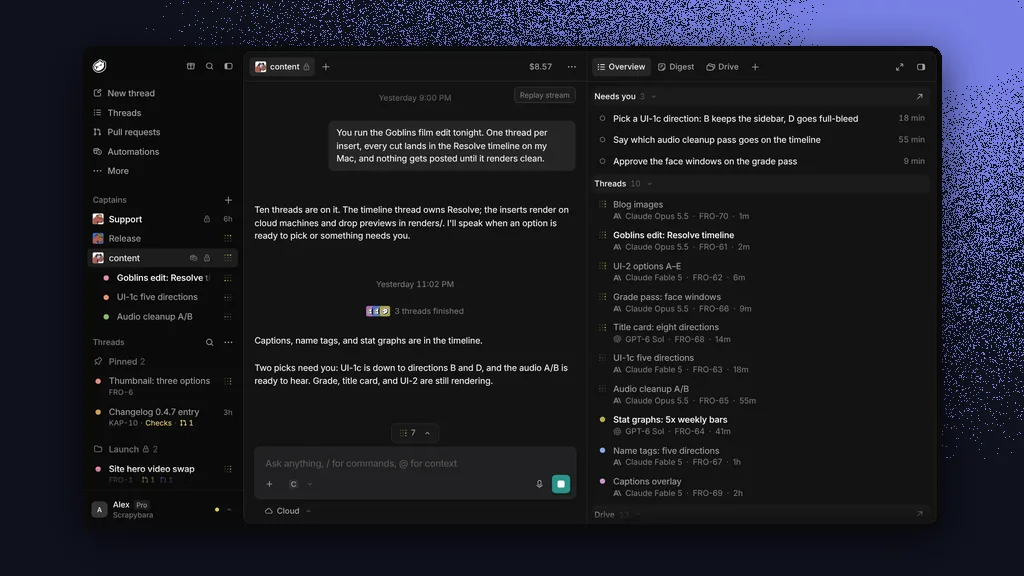 Captains
A Captain runs a crew of threads for you and tells you only what needs you.
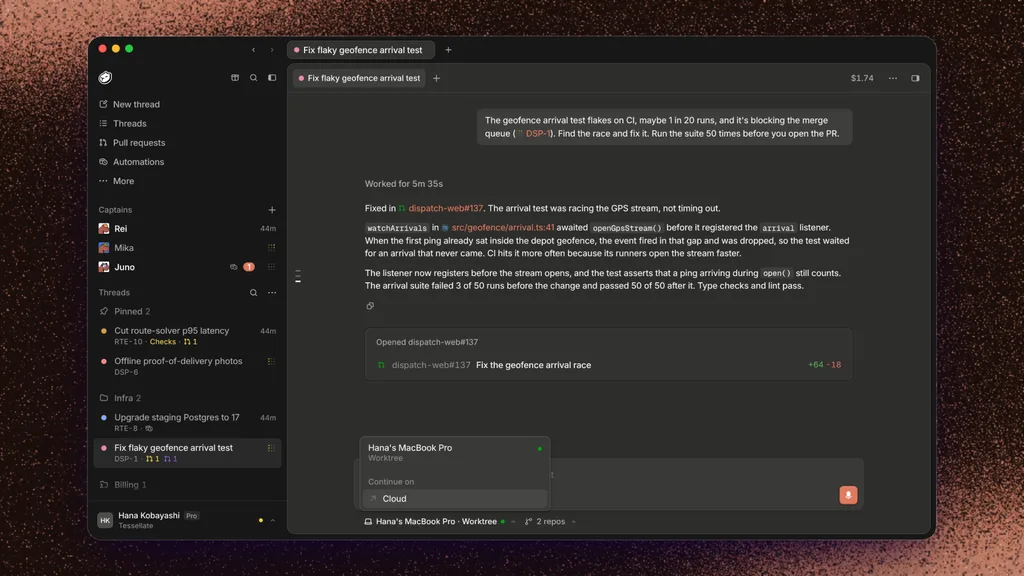 Desktop handoff
Run threads on your own computer, then move them to the cloud and back.
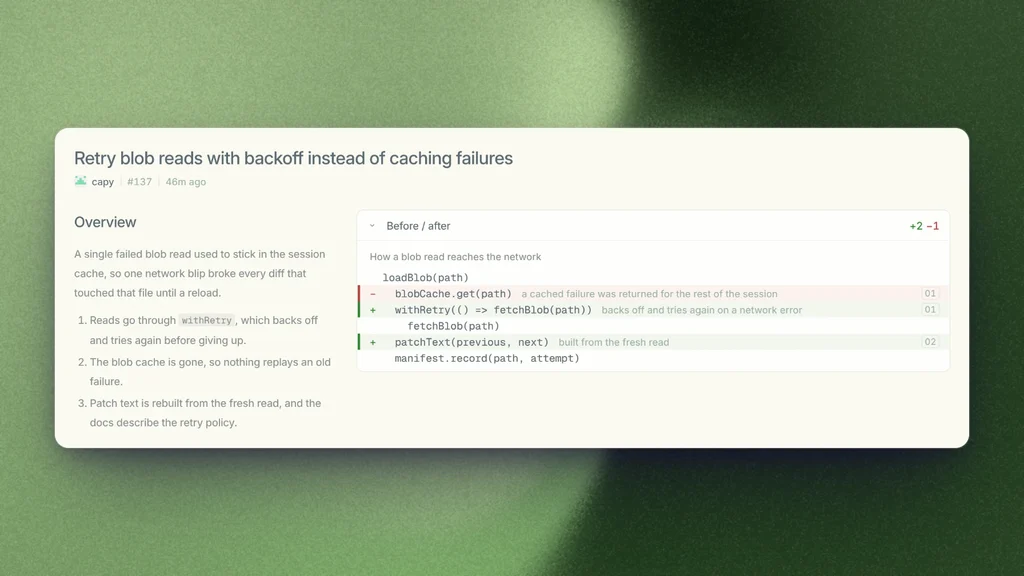 Pull requests
Capy opens the PR, fixes CI failures, and guides you through the diff.
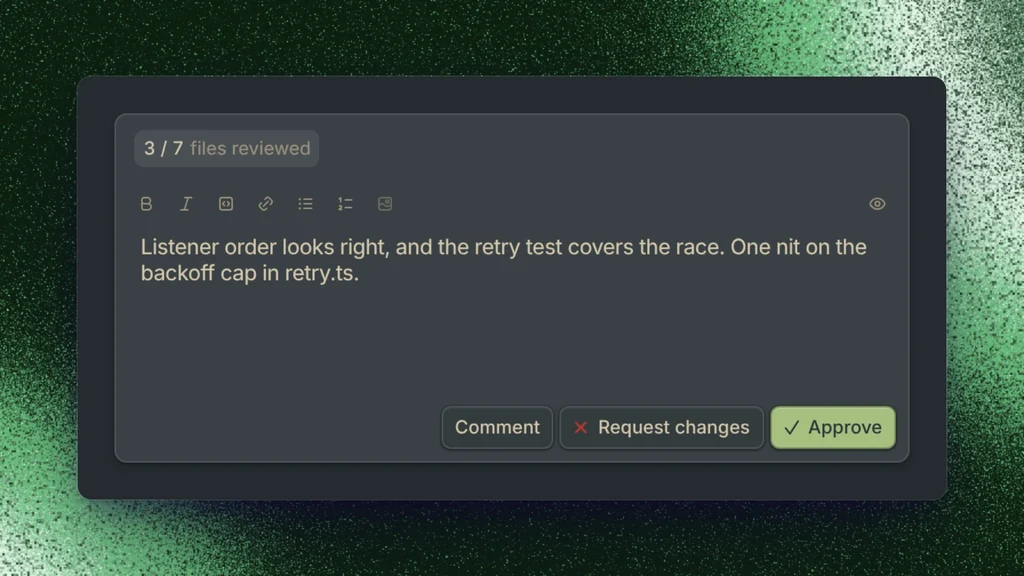 Review
A review agent posts findings on your pull requests.
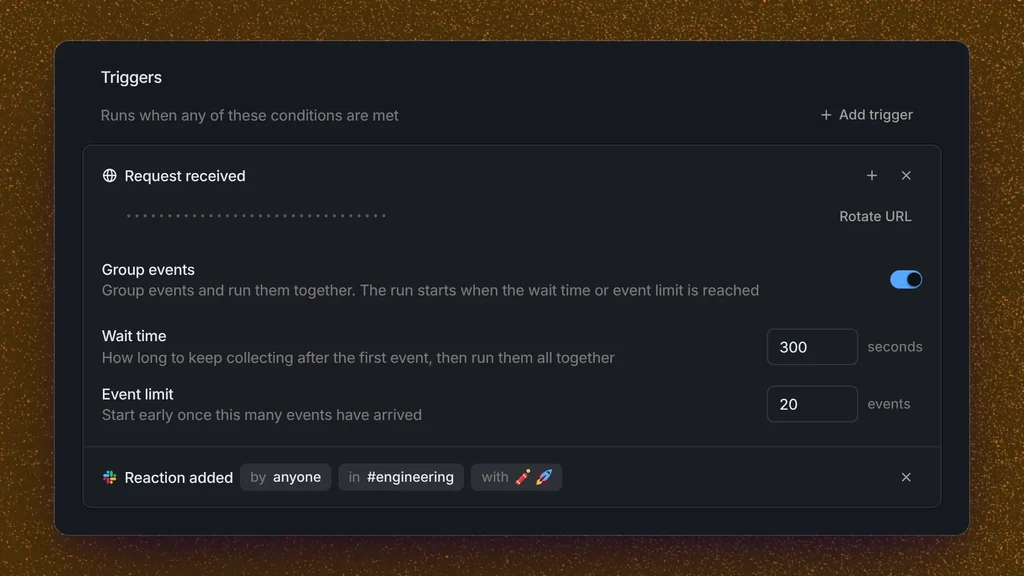 Automations
Run a prompt on a schedule, a webhook, or a GitHub or Slack event.
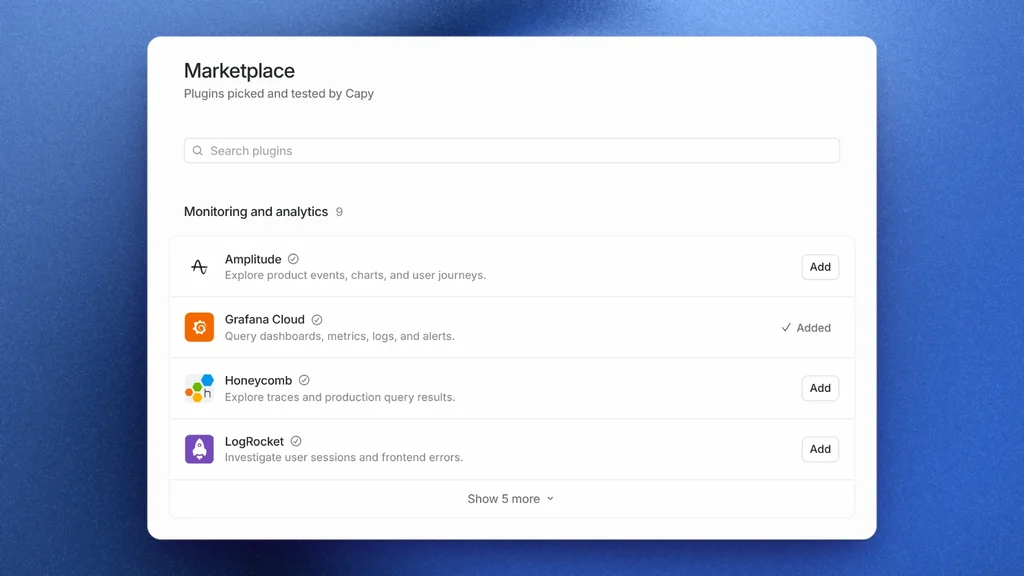 Integrations
Connect GitHub, Slack, Linear, Vercel, and any MCP server.
Keep going
Setup scripts and snapshots so the agent can run your code
Models & pricingModels, plans, and what a thread costs
Background workWhat wakes a thread, steering, forks, and side chats
Security and privacyCompliance, data handling, and who can see what
FAQCredits, subscriptions, and your own API keys
SkillsReusable instructions and workflows for Capy