

Generic OIDC
Use generic OIDC for any service that accepts a custom OIDC provider, such as a secrets manager or a data platform. Capy adds no vendor-specific logic. The machine gets a token for the audience you choose, and the agent passes it to the service in the form that service documents. Read OIDC federation first for how the token, the issuer, and refresh work.
Set up Generic OIDC
Open Settings → Cloud credentials → Generic OIDC and follow these steps. The setup page fills in your issuer URL, organization ID, and project ID, so copy the commands from there. The commands below use placeholders.
Add the project in Capy
On Generic OIDC, choose Add project. Pick the Capy project, then enter the Audience your service expects, often its URL or client ID. The audience is 1 to 255 printable characters with no spaces.
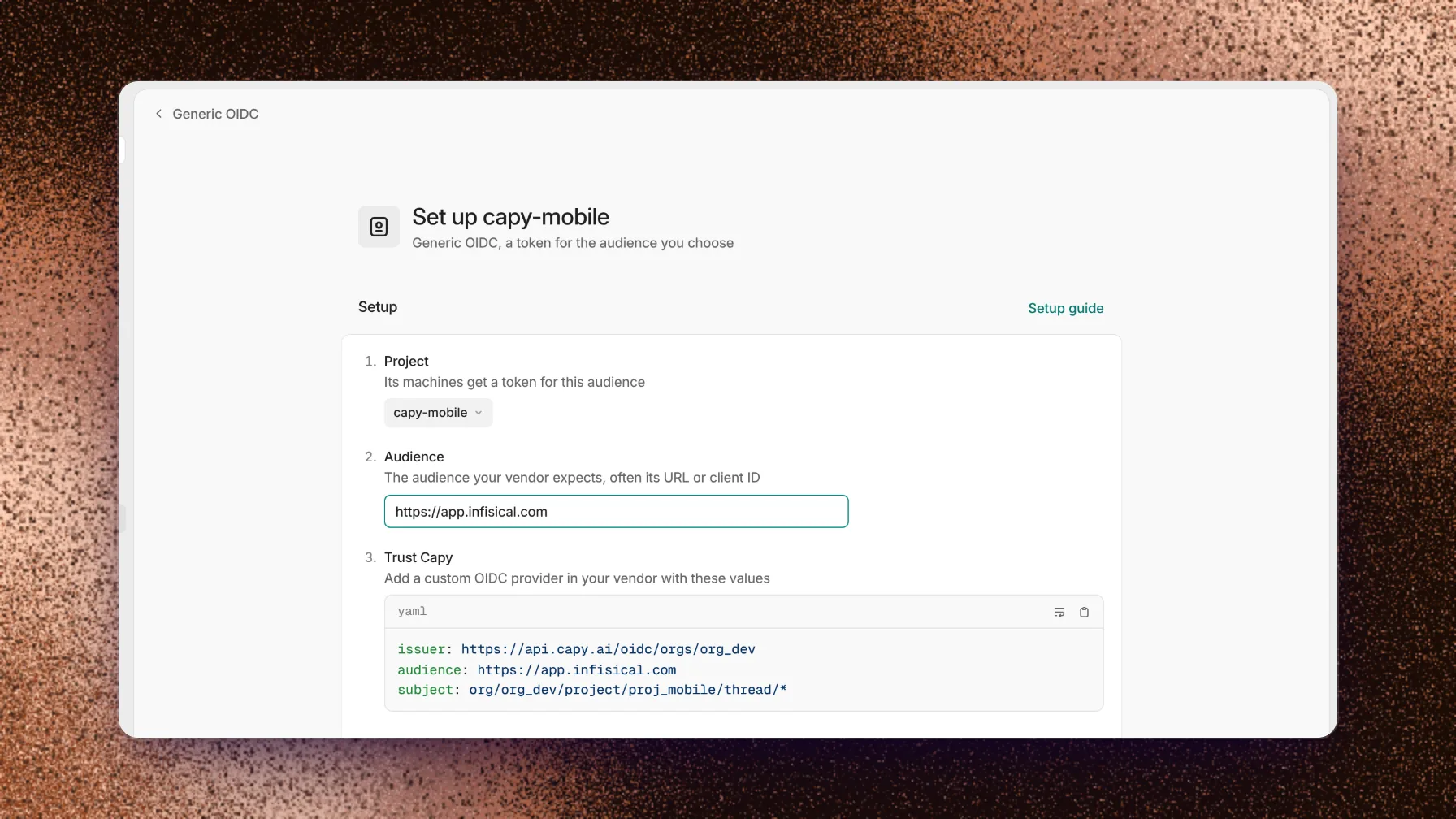
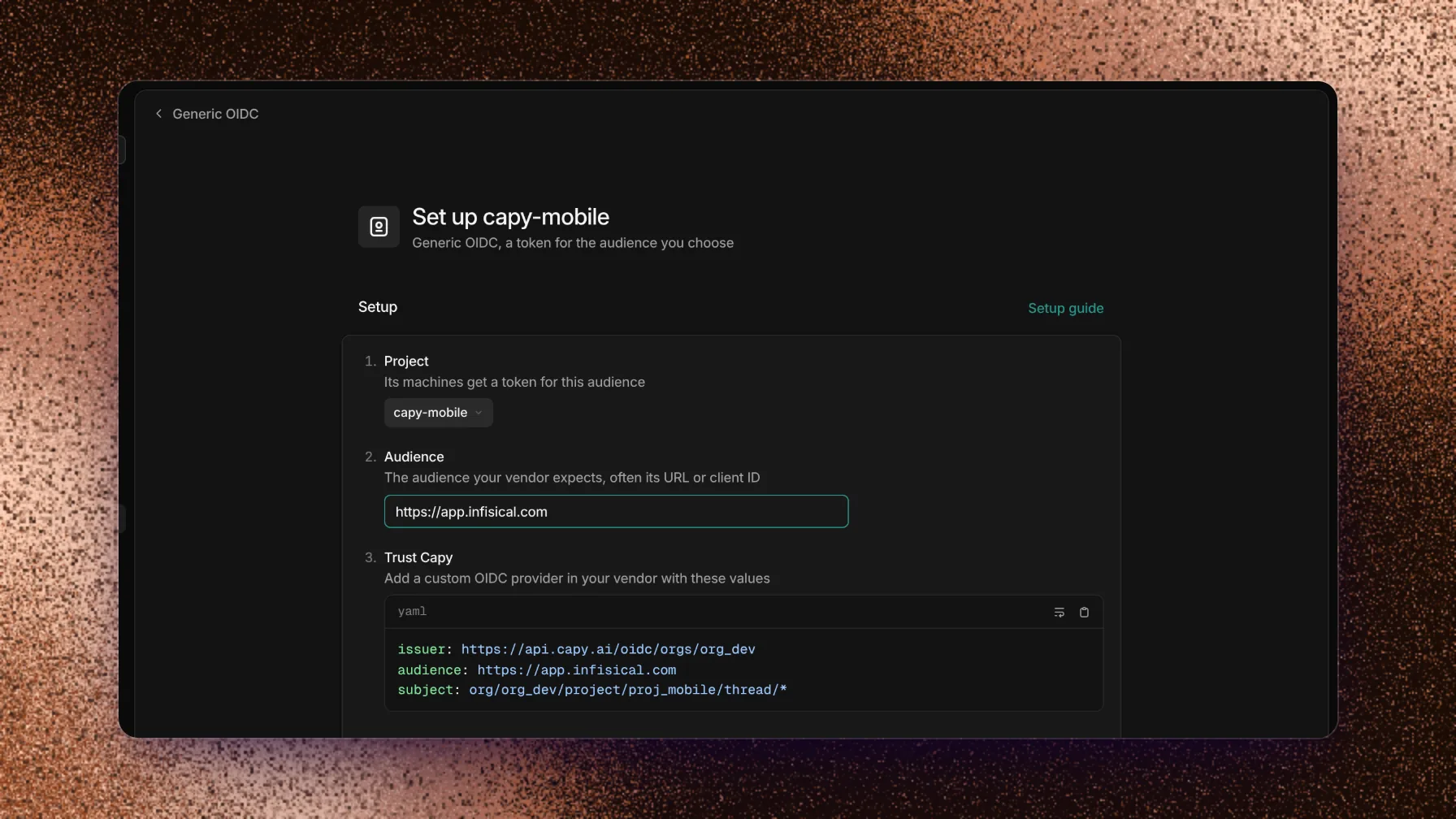
Enter these three values in your service's OIDC provider settings. Trust Capy
Add a custom OIDC provider in your service with these values from the page:
YAMLissuer: <issuer URL> audience: <audience> subject: org/<org id>/project/<project id>/thread/*Map the subject, or the
organdprojectclaims, to a role in your service.Verify
Choose Verify. Capy issues a test token for the audience and shows its subject. Your service checks the token the first time a machine uses it, so a passed check confirms that Capy can sign the token, not that your service accepts it.
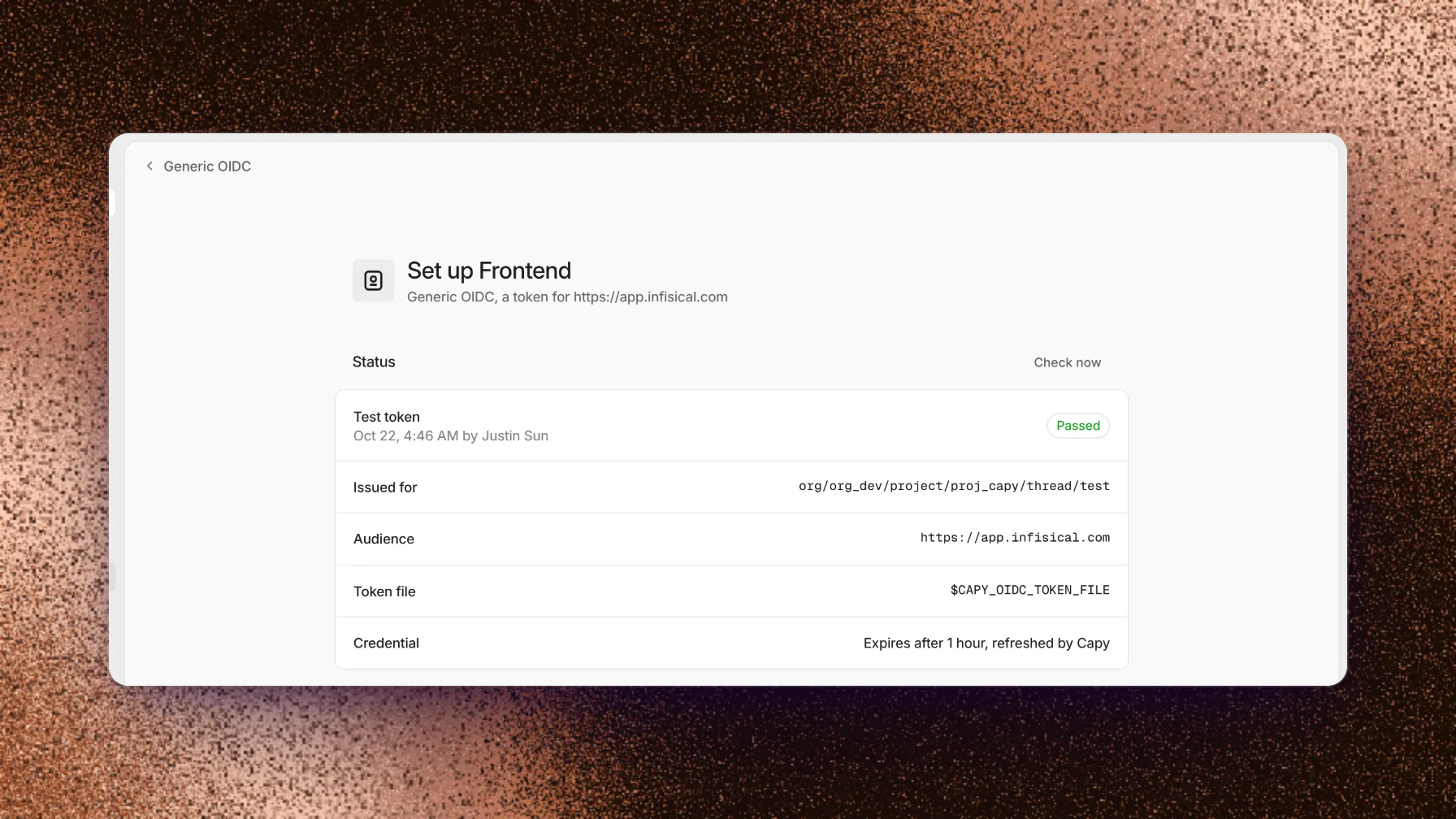
The agent reads the token from the file in CAPY_OIDC_TOKEN_FILE.
The agent reads the token with cat "$CAPY_OIDC_TOKEN_FILE", for example to pass it in a login request to your service.
What machines get
Files in /etc/capy/cloud-access/ | Exports |
|---|---|
oidc.jwt | CAPY_OIDC_TOKEN_FILE (/etc/capy/cloud-access/oidc.jwt) |
Revoke access
To stop every exchange at once, remove the OIDC provider or its role mapping in your service. To stop Capy from sending tokens, remove the project from Generic OIDC in Capy.
Troubleshooting
A failed check shows the error from Capy and the likely fix. For a machine with no token files, see OIDC federation troubleshooting.
Your service rejects the token
org/<org id>/project/<project id>/thread/*.