

AWS
Machines assume an IAM role through AssumeRoleWithWebIdentity. The role's trust policy accepts tokens from your issuer with your audience and this project's subject prefix. Read OIDC federation first for how the token, the issuer, and refresh work.
Set up AWS
Open Settings → Cloud credentials → AWS and follow these steps. The setup page fills in your issuer URL, organization ID, and project ID, so copy the commands from there. The commands below use placeholders.
Add the project in Capy
On AWS, choose Add project. Pick the Capy project, then enter:
- Role ARN: the role machines assume, for example
arn:aws:iam::123456789012:role/capy-agent. The role can be new. - Region: optional. Machines export it as
AWS_REGION. - Audience: the client ID on your IAM OIDC provider. Keep the default,
sts.amazonaws.com, unless your provider uses another one.
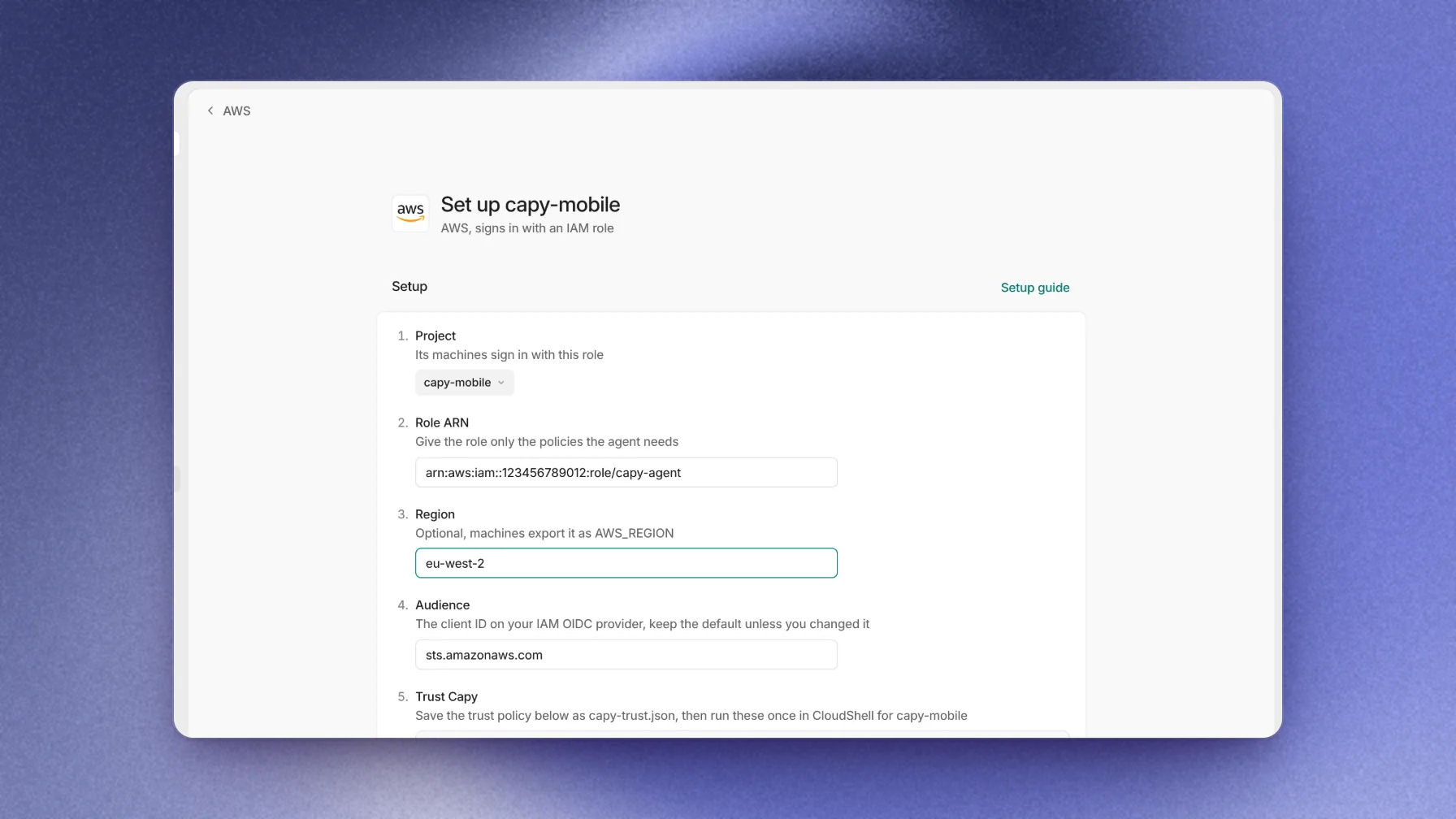
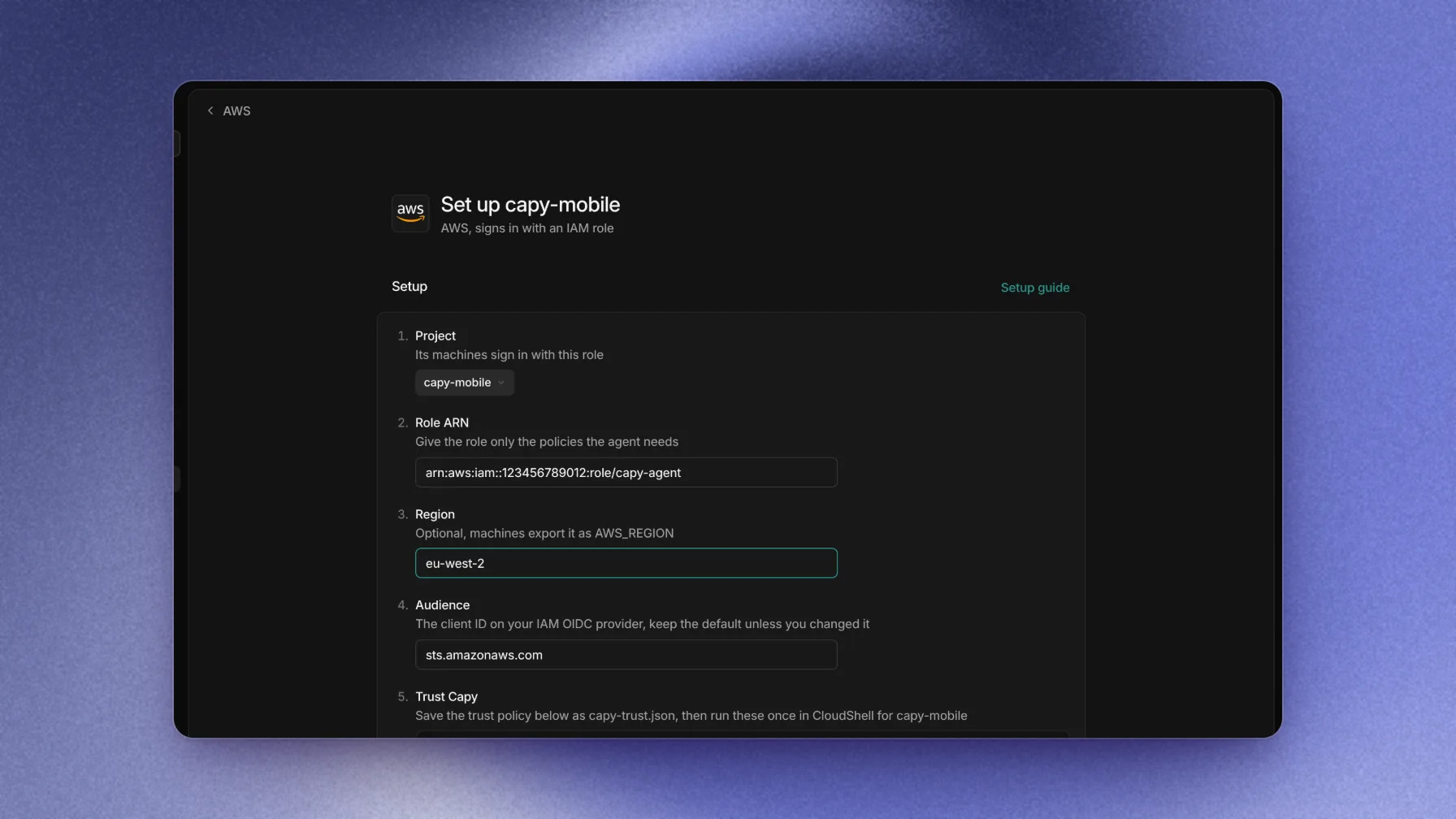
The page builds the trust policy from the role ARN and audience. - Role ARN: the role machines assume, for example
Trust Capy
Save the trust policy from the page as
capy-trust.json. IAM names its condition keys after the issuer URL withouthttps://:JSON{ "Version": "2012-10-17", "Statement": [ { "Effect": "Allow", "Principal": { "Federated": "arn:aws:iam::<account id>:oidc-provider/api.capy.ai/oidc/orgs/<org id>" }, "Action": "sts:AssumeRoleWithWebIdentity", "Condition": { "StringEquals": { "api.capy.ai/oidc/orgs/<org id>:aud": ["sts.amazonaws.com"] }, "StringLike": { "api.capy.ai/oidc/orgs/<org id>:sub": ["org/<org id>/project/<project id>/thread/*"] } } } ] }Then run these once in CloudShell. The first command adds your audience to an existing IAM OIDC provider for the issuer, or creates the provider:
TerminalISSUER='<issuer URL>' AUDIENCE='sts.amazonaws.com' aws iam add-client-id-to-open-id-connect-provider \ --open-id-connect-provider-arn 'arn:aws:iam::<account id>:oidc-provider/api.capy.ai/oidc/orgs/<org id>' \ --client-id "$AUDIENCE" \ || aws iam create-open-id-connect-provider --url "$ISSUER" --client-id-list "$AUDIENCE" aws iam create-role --role-name 'capy-agent' \ --assume-role-policy-document file://capy-trust.jsonIf the role already exists, run
aws iam update-assume-role-policy --role-name 'capy-agent' --policy-document file://capy-trust.jsoninstead ofcreate-role. That command replaces the whole trust policy. The page lists every Capy project that uses the role, so merge in statements for any other principal first.Grant access
Attach the policies the agent needs to the role. For example, to let the agent read logs:
Terminalaws iam attach-role-policy --role-name 'capy-agent' \ --policy-arn arn:aws:iam::aws:policy/CloudWatchLogsReadOnlyAccessVerify
Choose Verify. Capy assumes the role once with a test token and the session name
capy-test, then shows the assumed-role ARN.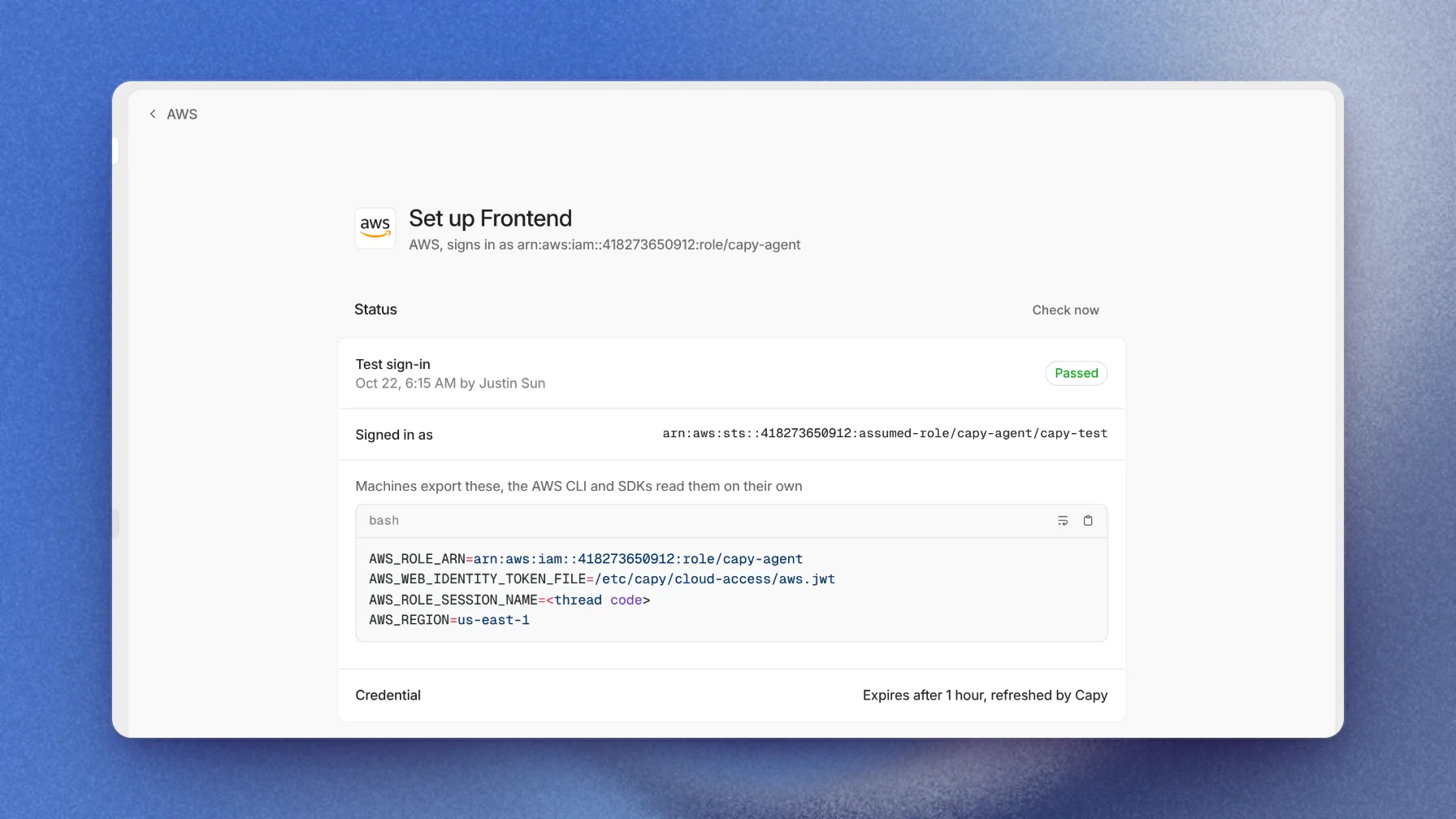
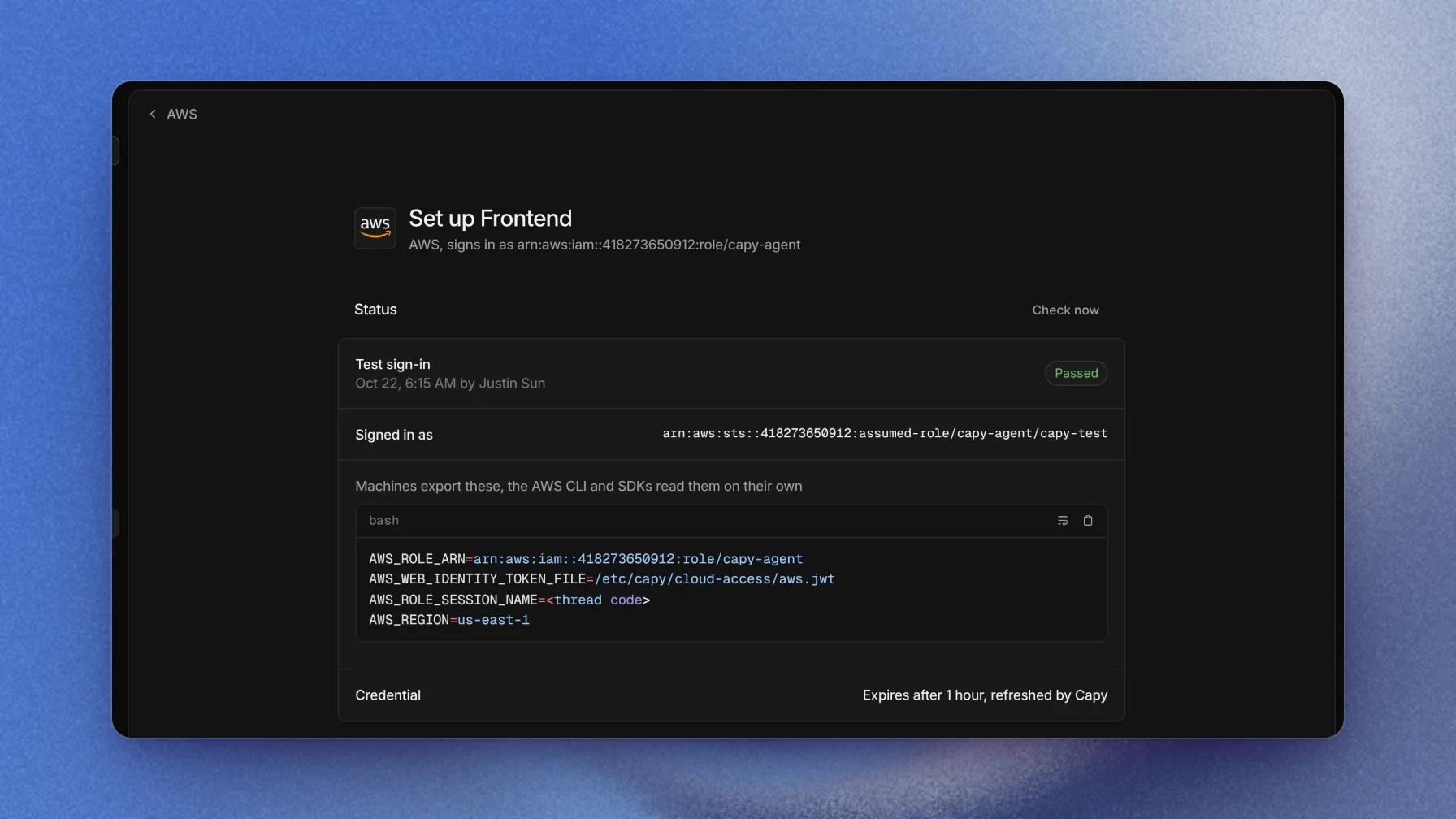
The status card lists the variables the AWS CLI and SDKs read.
CloudTrail records the thread code as the role session name on every call the machine makes.
What machines get
Files in /etc/capy/cloud-access/ | Exports |
|---|---|
aws.jwt | AWS_ROLE_ARN, AWS_WEB_IDENTITY_TOKEN_FILE (/etc/capy/cloud-access/aws.jwt), AWS_ROLE_SESSION_NAME (the thread code), and AWS_REGION when set |
The AWS CLI and every AWS SDK read these variables and call AssumeRoleWithWebIdentity on their own. The AWS CLI isn't preinstalled, and the agent can install it when a task needs it.
Revoke access
To stop every exchange at once, remove the statement from the role's trust policy or delete the IAM OIDC provider. To stop Capy from sending tokens, remove the project from AWS in Capy. Credentials that machines already hold last until they expire.
Troubleshooting
A failed check shows the error from AWS and the likely fix. For a machine with no token files, see OIDC federation troubleshooting.
AccessDenied
aud or sub. Update it with the policy and the existing-role command under Trust Capy.