

Tailscale
Connect Tailscale so agent machines can securely reach private services inside your network: internal databases, staging APIs, package registries, anything on your tailnet. Machines in enabled projects join your tailnet as ephemeral nodes at boot, tagged with a tag you choose, so you control exactly what they can access with your Tailscale ACLs. No public exposure, no static IP allow lists.
Connect your tailnet
Define a tag for Capy machines
In your tailnet policy file, add a
tagOwnersentry for the tag Capy machines will carry. We recommendtag:capy:JSON"tagOwners": { "tag:capy": ["autogroup:admin"], }The tag lets your ACL rules single out Capy machines; the owner list is who may assign it.
Create an OAuth client
Create an OAuth credential on Tailscale's Trust credentials page.
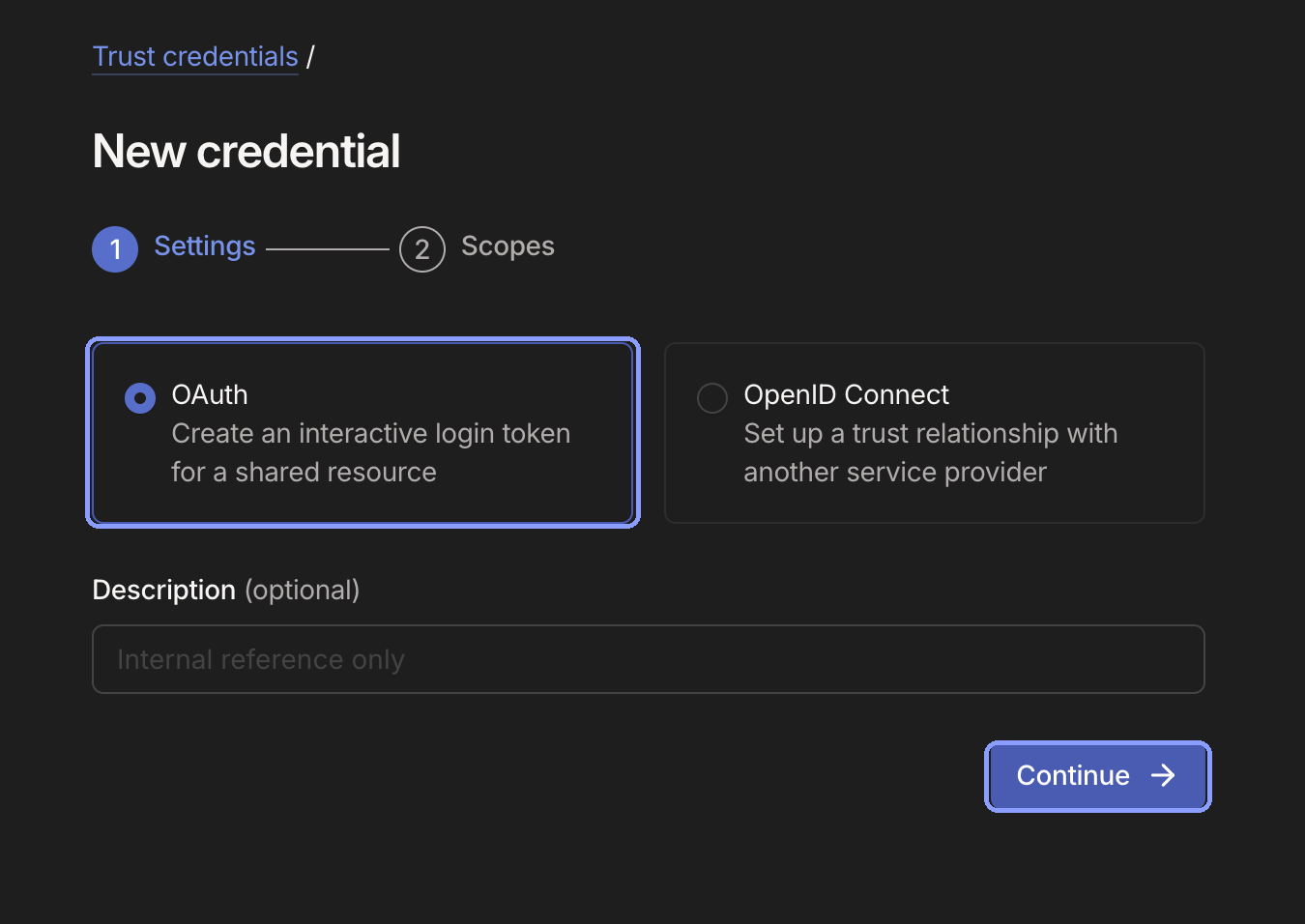
Create an OAuth credential for Capy. Use Custom scopes with only Keys → Auth Keys → Write enabled. The write scope requires the tag from the previous step. Leave every other scope unchecked.
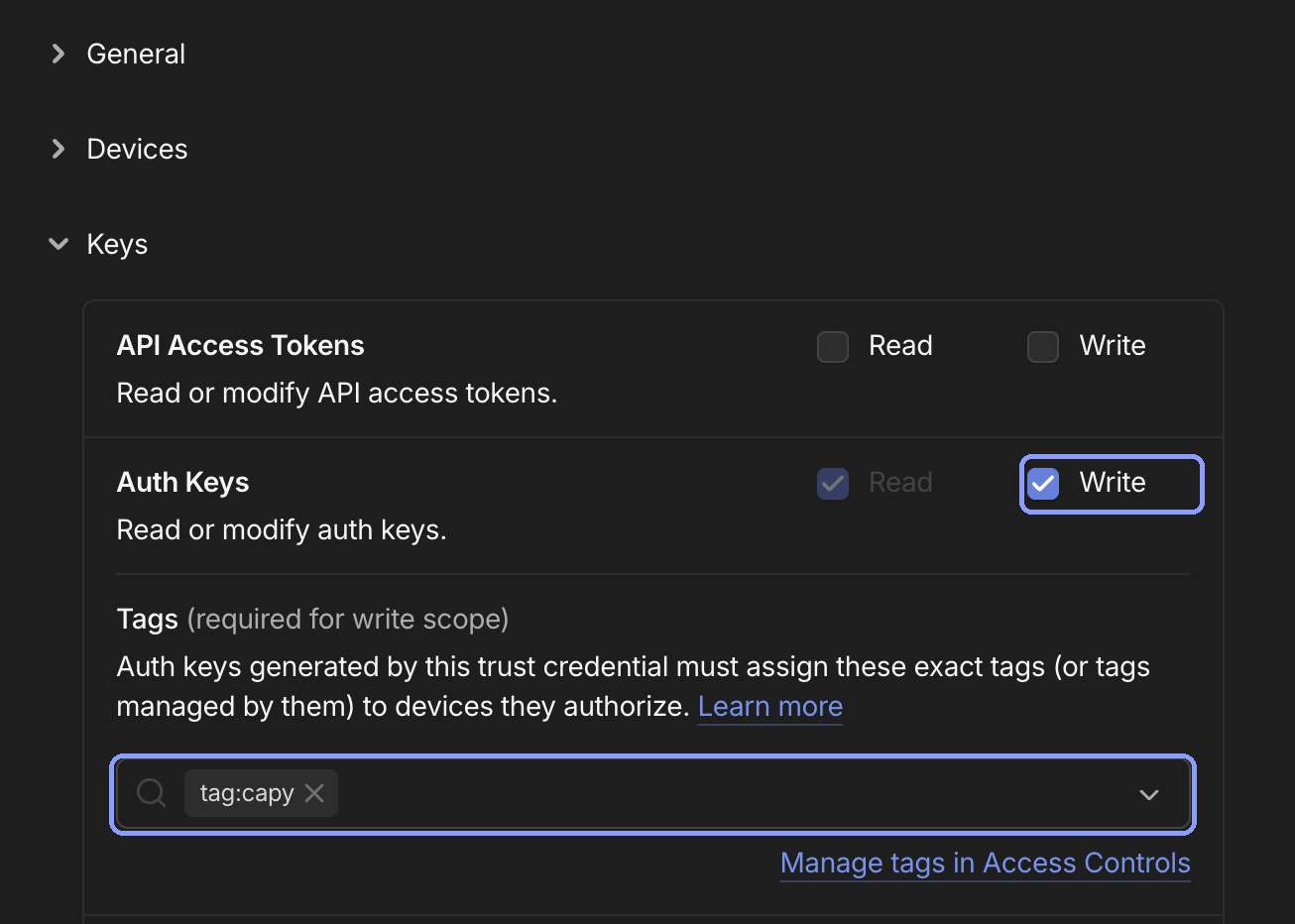
Auth Keys write access requires your machine tag. Generate the credential and copy the client ID and secret; the secret is shown once and starts with
tskey-client-.Connect Capy
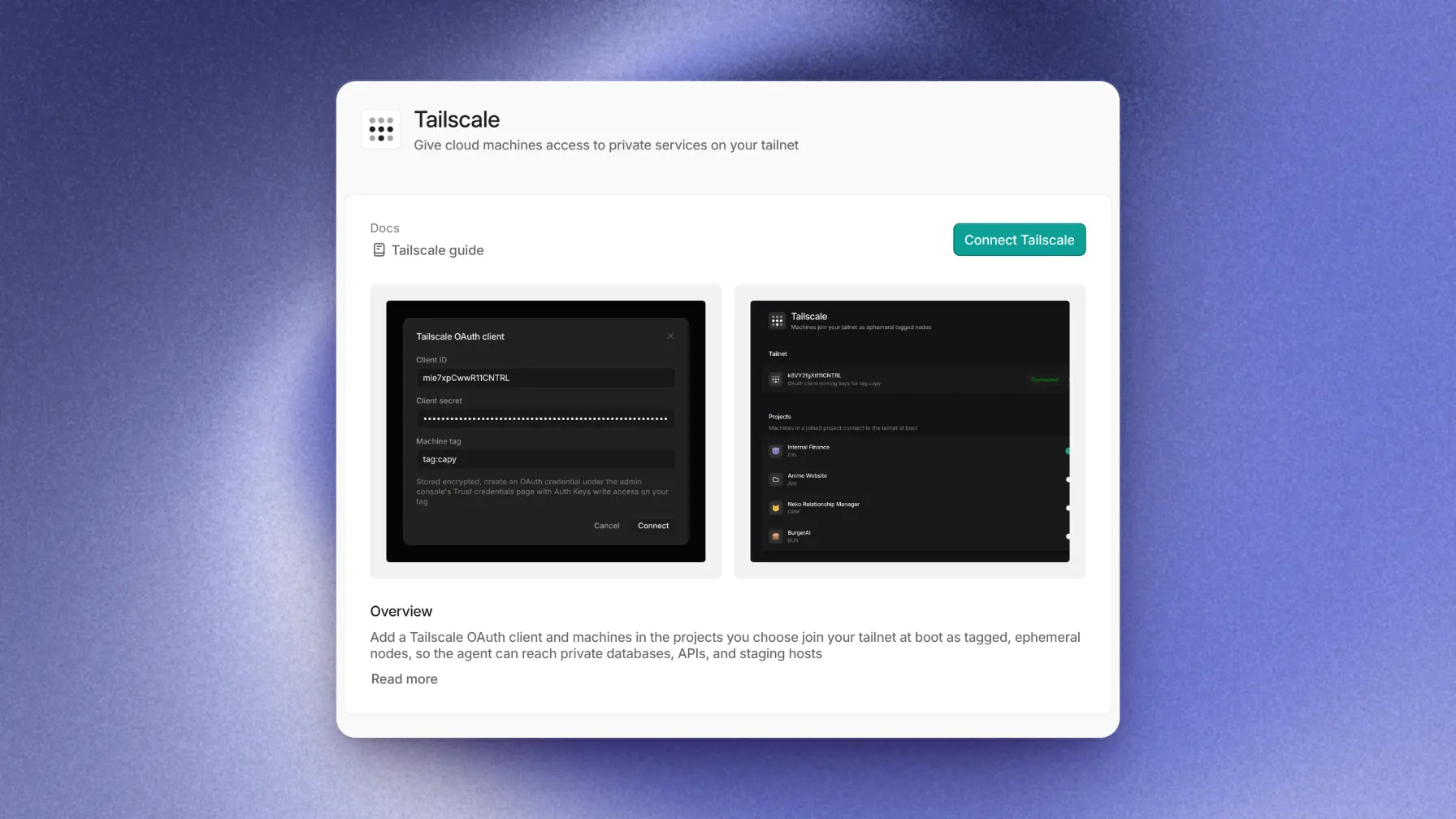
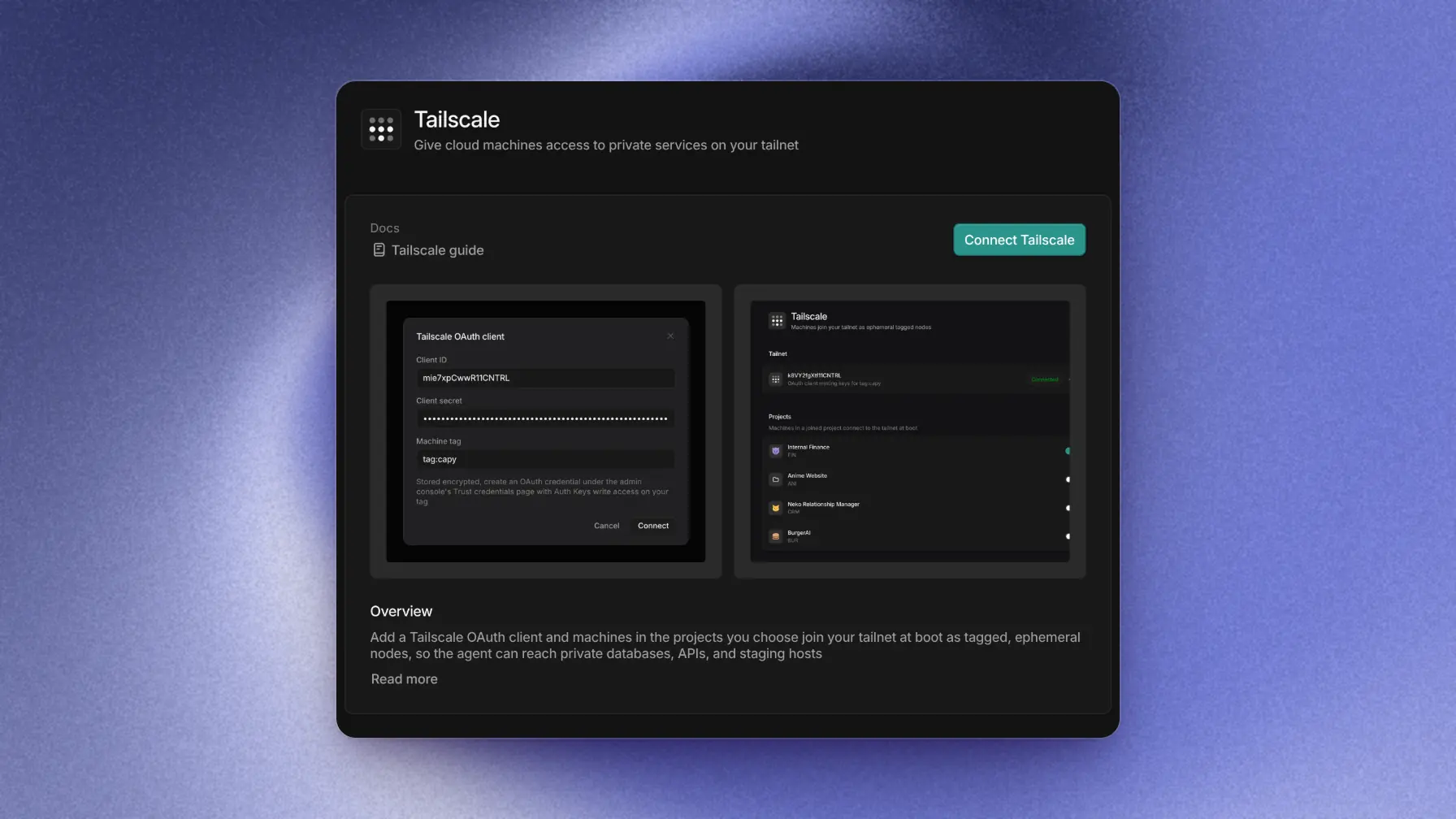
Tailscale settings accepts your client ID, client secret, and tag. Capy validates the credentials against your tailnet before saving, and stores the secret encrypted. Any org member can connect. Each Capy org holds one Tailscale connection.
Enable projects
Once connected, the Projects settings control which projects' machines join your tailnet. Machines in other projects never join.
How it works
When a machine in an enabled project boots or wakes, Capy mints a single-use, short-lived auth key from your OAuth client and the machine joins your tailnet as an ephemeral node named capy-<machine-id>, carrying your tag. From that point, agent commands on the machine can reach whatever your ACLs allow.
- Ephemeral and self-cleaning. Nodes are removed by Tailscale automatically when a machine pauses or is destroyed; a resumed machine rejoins with a fresh key. Your machine list never accumulates stale entries.
- Never blocking. A failed join never blocks a machine from booting; the machine runs without tailnet access and rejoins on its next wake.
- Keys stay on the machine. Each auth key is minted per machine, expires after five minutes, and is delivered to a root-owned file readable by no other user. Keys never appear in process arguments, environment variables, or logs, and never persist into machine snapshots.
Controlling access with ACLs
Capy machines have exactly the access your ACL grants their tag, and nothing else by default. For example, to let agents reach a private Postgres instance, declare its address as a host alias and accept traffic to its port:
"hosts": {
  "internal-db": "100.101.102.103",
},
"acls": [
  { "action": "accept", "src": ["tag:capy"], "dst": ["internal-db:5432"] },
]
A destination can be a hosts alias, a Tailscale IP or CIDR, or another tag (for example tag:database:5432 if your database nodes are themselves on the tailnet).
Scope the tag's rules to the specific services agents need; there is no reason for Capy machines to see your whole tailnet.
Disconnecting
Turning a project off stops its machines from joining at their next boot or wake. Disconnect removes the stored credentials and stops all new joins immediately.
Either way, already-running machines keep their tailnet session until they pause or stop. To cut one off immediately, remove its node from your Tailscale machines list, and revoke the OAuth client in Tailscale if the credentials themselves should die.
Troubleshooting
Connecting fails with an invalid credentials error
tagOwners.The connection shows Reconnect needed
tagOwners. Machines keep booting without tailnet access until you reconnect with working credentials.A machine isn't in my tailnet
Machines join but can't reach my service
accept rule to the service's host and port. Test from the machine with tailscale ping <host>.