

Background work
A thread keeps working after you close the tab. The agent loop runs in the cloud, so you can hand off a task and leave. The thread starts again when CI finishes, a review lands, a subagent reports, or you send a message.
Events that wake a thread
A thread runs in turns. The next turn starts when one of these events arrives:
| Event | When it wakes the thread |
|---|---|
| A message from a person | Always, from the app, Slack, Linear, the API, or an @capy mention on a pull request. A message also unarchives an archived thread. |
| CI results | On a pull request the thread owns. A failing check wakes it, and passing checks arrive together once they all finish. |
| Reviews and comments | From people, and from Capy review when automatic review is on. Bot feedback is ignored by default. |
| A merge or a merge conflict | When someone wrote in the thread in the last 3 days. A conflict wakes only the thread that owns the pull request. A close without a merge doesn't wake it. |
| Another agent | A subagent finishes or gets blocked, or another thread's agent sends a message. |
| Something the agent set up | A timer up to 7 days out, a background command it waits on, or a watch on a GitHub event, a Slack channel, or a webhook URL. A watch lasts up to 30 days. |
Pull request events go to the thread that owns the pull request, and need the Capy GitHub App on the repository. See which thread owns a pull request.
Capy settings control responses to human feedback, CI results, conflicts, and the review bots you add. Each can React (wake the thread), Keep as context (read on its next turn), or Ignore.
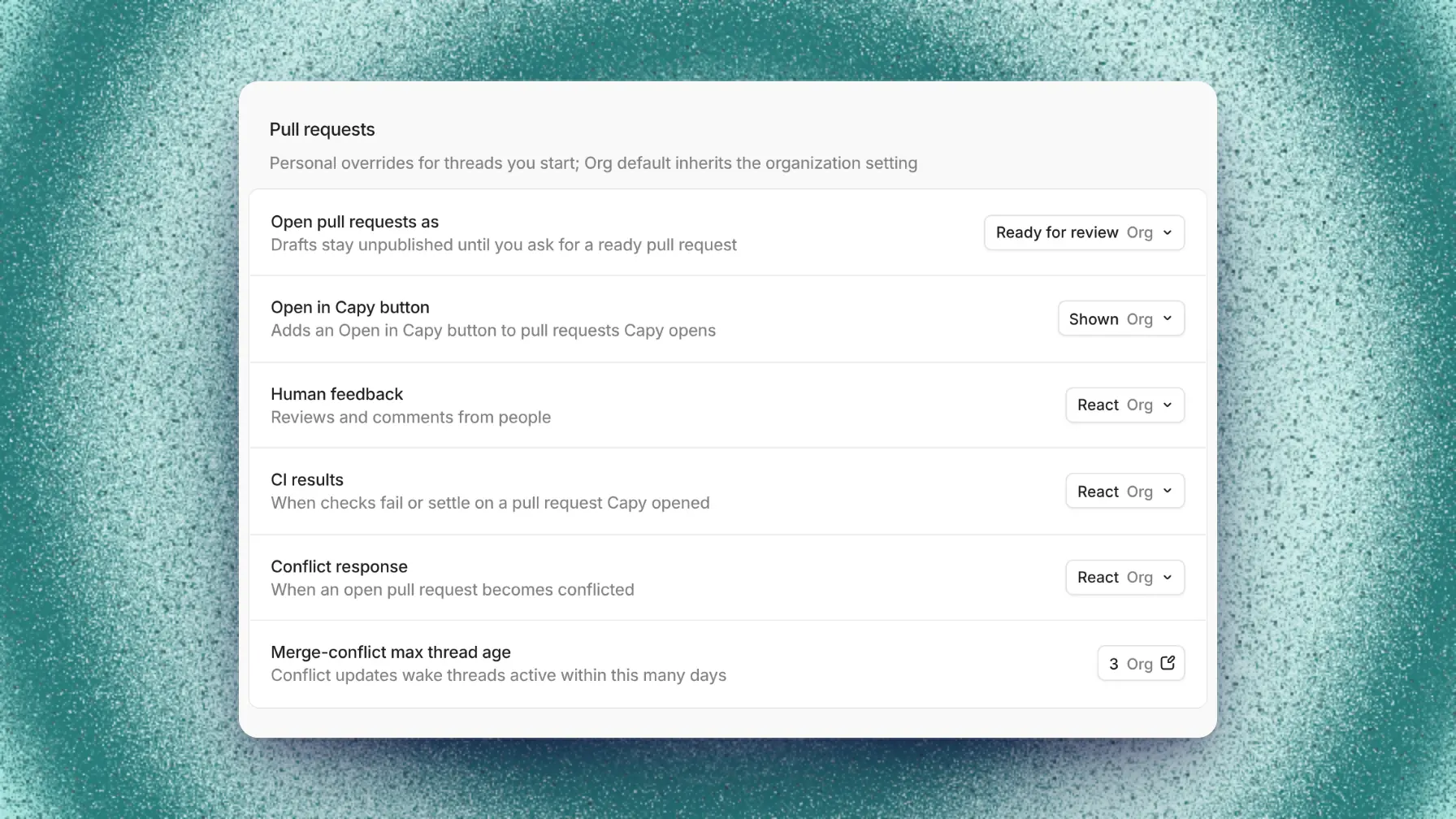
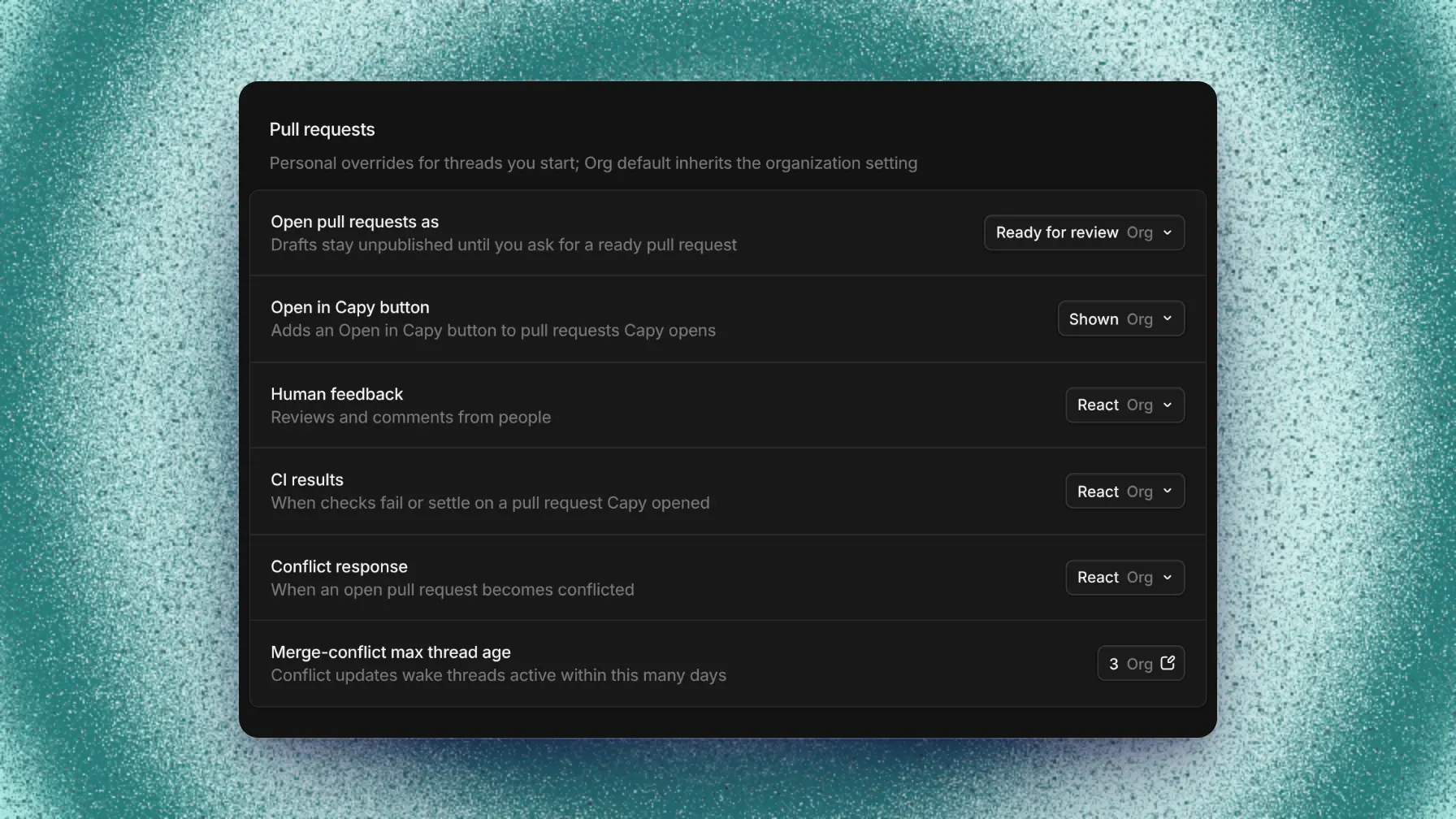
The You tab overrides the Org tab for your own threads. The merge-conflict max thread age setting changes the 3-day window.
Waiting threads
A thread is Waiting when the agent ended its turn but expects an event: a timer, a background command, a subagent or crew thread, or a Capy review. The last line of the conversation names the event, such as "Waiting on api#212 checks". Click a pull request or subagent in that line to open it.
The activity bar above the composer lists everything still running, and each watch there has a Stop watching button. The Overview tab in the right pane lists the thread's subagents, pull requests, and side threads. The sidebar shows every thread's status.
If the event already happened, for example you merged by hand, message the thread and say so.
Message a working thread
The key you press decides when a working agent reads your message:
| Mode | Default key | The agent reads it |
|---|---|---|
| Steer | Enter | After its current step finishes. |
| Queue | Option/Alt+Enter | After it finishes the whole turn. Use it for the next task. |
| Interrupt | Cmd/Ctrl+Enter | Right away. The current step stops. |
Use steer for most corrections. An interrupt loses the reasoning the model was in the middle of, so save it for when the agent is heading the wrong way. Input settings remap the keys, including Enter for a newline, per browser.
Messages from Slack, Linear, the API, and pull request comments interrupt by default. In Slack, add !steer or !queue to pick another mode. See Slack message directives. Through the API, set delivery on the message.
To change a message before the agent reads it, or to edit one you already sent, see sending messages.
Split work across agents
Four kinds of agent can work beside this one. They differ in what they know and where they run:
| Starts with | Runs on | Reports back | Start it with | |
|---|---|---|---|---|
| Side chat | A full copy of this conversation | This thread's machine | No | /side, Cmd/Ctrl+Shift+S, or New side thread in the composer's + menu |
| Fork | A full copy (/fork) or a summary (/fork-summary) | A fresh machine | No | The slash command, or Fork in Thread options (⋯) |
| Subagent | Only the prompt the agent writes | This machine or a fresh one | To the agent that started it | Ask the agent to split the work |
| Crew thread | Only the Captain's brief | Its own machine | To the Captain | Ask a Captain |
Select text in a message to fork it or open a side chat. The new composer quotes your selection.
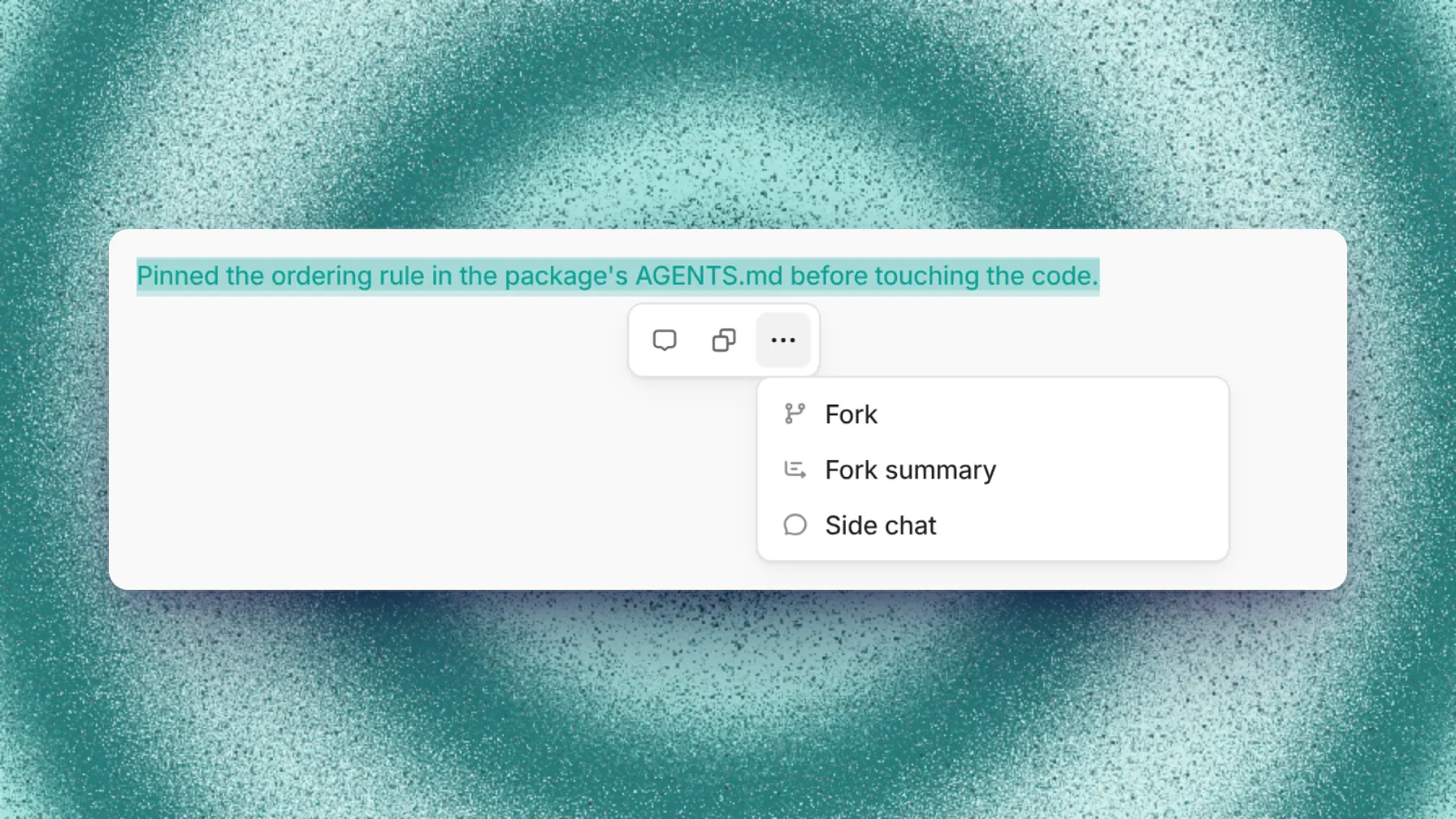
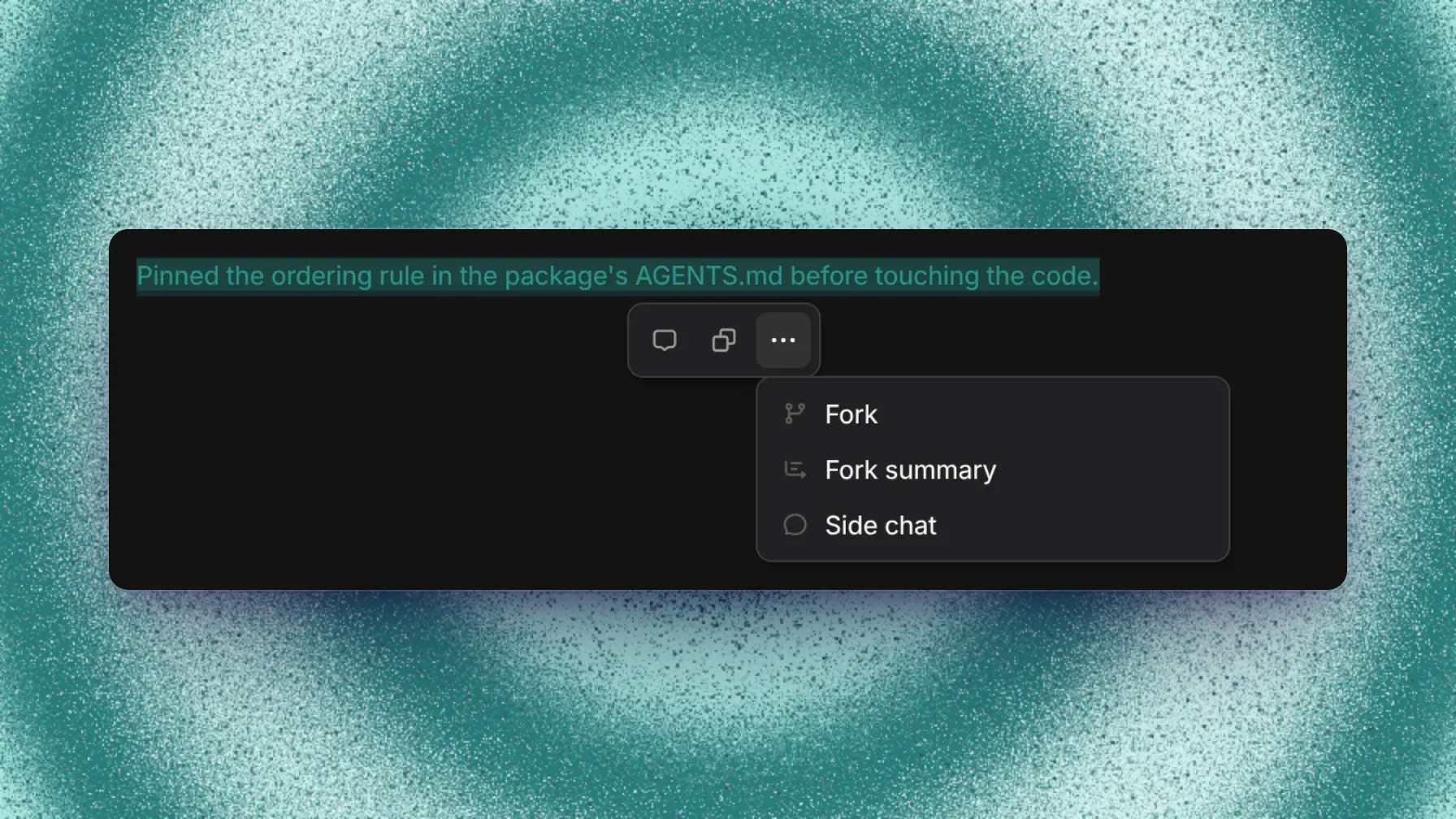
A side chat opens in a tab in the right pane. Use it for a question or a small test without derailing the main thread. It sees uncommitted changes in the checkout.
A fork is a new thread in the same project named "Fork of …", and the original thread keeps working. The fork boots a fresh machine from your project's setup, so push any changes the fork needs first. Fork with a summary when the original conversation went somewhere you don't want to repeat, or grew very long.
For details, see subagents and Captains, an opt-in experiment.
Read and message other threads
To work from another thread, type @ and pick it, or paste its code, like WEB-1234. The agent can read its owner, status, pull requests, subagents, and full history, and search its messages. It can also save the whole conversation to a file.
Reading never wakes the other thread. Ask in plain words, for example "read WEB-1234 and pick up where it left off".
The agent messages another thread only when you ask it to. The message arrives there as a steer, and the reply wakes your thread.
Ask for a plan first
To get a plan before any code changes, ask for one:
Before you change any code, write a spec for this in docs/specs/rate-limits.md: the approach, the files you'll touch, and the open questions. Show it to me and wait for my go-ahead.The agent sends the plan and stops until you reply with changes or a go-ahead. To get a plan for every task, add this request to your instructions.
Set standing instructions
Put repository conventions in the repository's AGENTS.md. Put guidance for all your threads, such as tone or reply length, in your drive's AGENTS.md. Instructions apply to every model, and you can't scope a file to one model. See instructions.
Your instructions override Capy's defaults. If Capy keeps asking for permission, find the instruction or imported skill that tells it to ask, and remove it.
Capy never exposes or commits secrets, never makes up results, and never merges a pull request unless you ask for that merge in the thread. No instruction can change these rules.
Good to know
- A pull request opened outside Capy sends no events until the agent pushes to it or you ask the agent to watch it.
- Stop run in the composer cancels the timers and background commands a thread waits on. Its subagents keep running.
- In Slack, start a message with
asideto keep it from the agent. In the app, every message reaches the agent. - Side chats on your thread share its machine, so heavy commands in several of them compete. A side chat on someone else's thread gets its own machine.
- An agent can read only threads you can see. To message an archived thread, unarchive it first.
- A thread on someone's computer holds a message until its owner allows it.